Base64 encoding comes up constantly in modern development. You need it for HTTP Basic Authentication headers, embedding images as data URIs in CSS, encoding binary payloads for JSON APIs, and verifying the contents of JWT tokens. It's one of those low-level tasks that isn't hard but doing it in a browser tab every time creates friction and, depending on what you're encoding, a real security concern.
A native Base64 encoder for Mac that runs locally and opens in under a second solves both problems at once. Here's why it matters and what to look for.
When You Need a Base64 Encoder on Mac
The scenarios where Base64 encoding appears in daily development work are more common than most developers consciously notice. You're building an API integration that requires HTTP Basic Auth the username and password need to be Base64-encoded before they go in the Authorization header. You're embedding a small icon in a CSS file as a data URI to avoid an extra HTTP request. You're decoding an encoded response from a third-party service to understand what's actually in it. You're constructing a JWT payload manually and need to base64url-encode each section.
Each of these is a fast operation that should take seconds. But if your workflow involves opening a browser, finding a trusted site, pasting your input, and copying the output and then doing that in reverse when you need to decode you're spending far more time than necessary.
Devly's Base64 Tool: More Than Just Encoding
Devly is a native macOS menu bar app with 50+ developer tools, and its Base64 encoder is one of the most-used. You open it with the global hotkey ⌥⌘D and you're in the tool in two keystrokes.
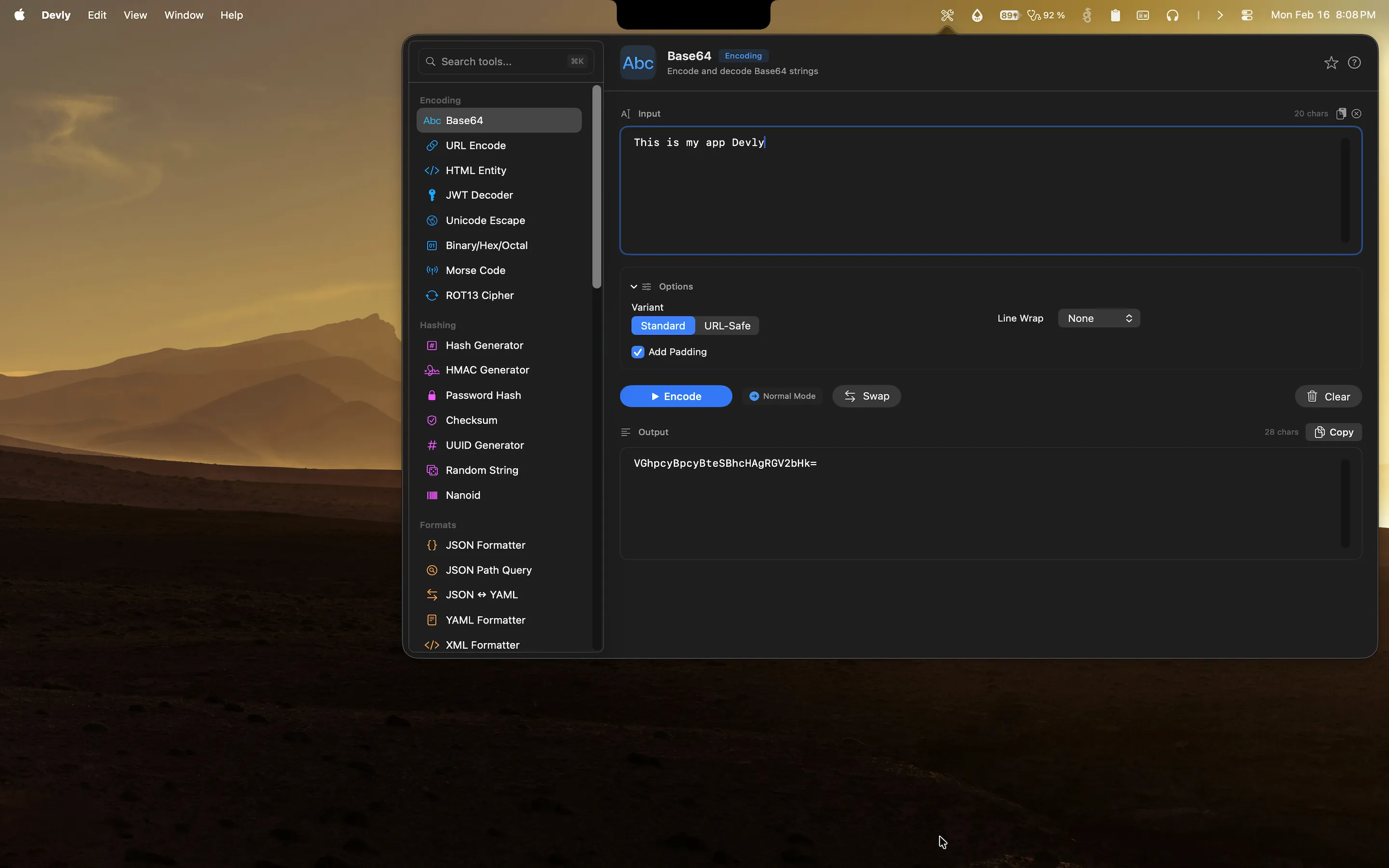
- Standard Base64 encoding and decoding with correct padding handles the + and / characters properly
- URL-safe Base64 using - and _ instead of + and /, required for JWT tokens and web-safe strings
- Drag-and-drop file input drop a file to get its Base64 representation, or decode a Base64 string back to a file
- Live encoding that updates as you type, so you see the result without pressing a button
- One-click copy to send the encoded or decoded output straight to your clipboard
The live update behavior is something you appreciate immediately. As you type or paste your input string, the encoded result updates in real time. There's no submit button to click you just paste and copy. Combined with ⌘⏎ to trigger processing and ⌘C to copy the result, the whole operation can happen without touching your mouse.
Why Local Base64 Encoding Matters
This comes up often enough to be worth a direct statement: do not paste API credentials, authentication tokens, or sensitive configuration values into online Base64 encoders.
Most online Base64 tools say they don't log your input. Some probably don't. But browser-based tools make network requests, inject third-party scripts, and exist in an environment where your input is technically visible to the page's JavaScript. If you're encoding a credentials string that contains a live API key or a service account password, that's not a risk worth taking.
Devly processes everything locally in native Swift. There are no network requests at all not for encoding, not for analytics, not for anything. The app works entirely offline. Your encoded strings stay on your machine.
How to Use the Base64 Encoder in Devly
The workflow is straightforward. Press ⌥⌘D to open Devly's popover from the menu bar. If the Base64 encoder isn't already visible, press ⌘K to open the tool search and type "base64" it'll appear immediately. Paste your input string into the left panel and the encoded output appears in the right panel instantly. Press ⌘C to copy the result.
For decoding, the process is identical in reverse: paste your Base64 string and the decoded output appears in real time. Devly automatically detects whether your input looks like a Base64 string and suggests switching to decode mode if needed, which saves an extra click.
If you're working with files say, converting a small image to a data URI for embedding in CSS you can drag the file directly onto the Devly popover and it will Base64-encode the file contents automatically. The output is formatted as a proper data: URI if the file has a recognized MIME type.
Part of a Bigger Toolkit
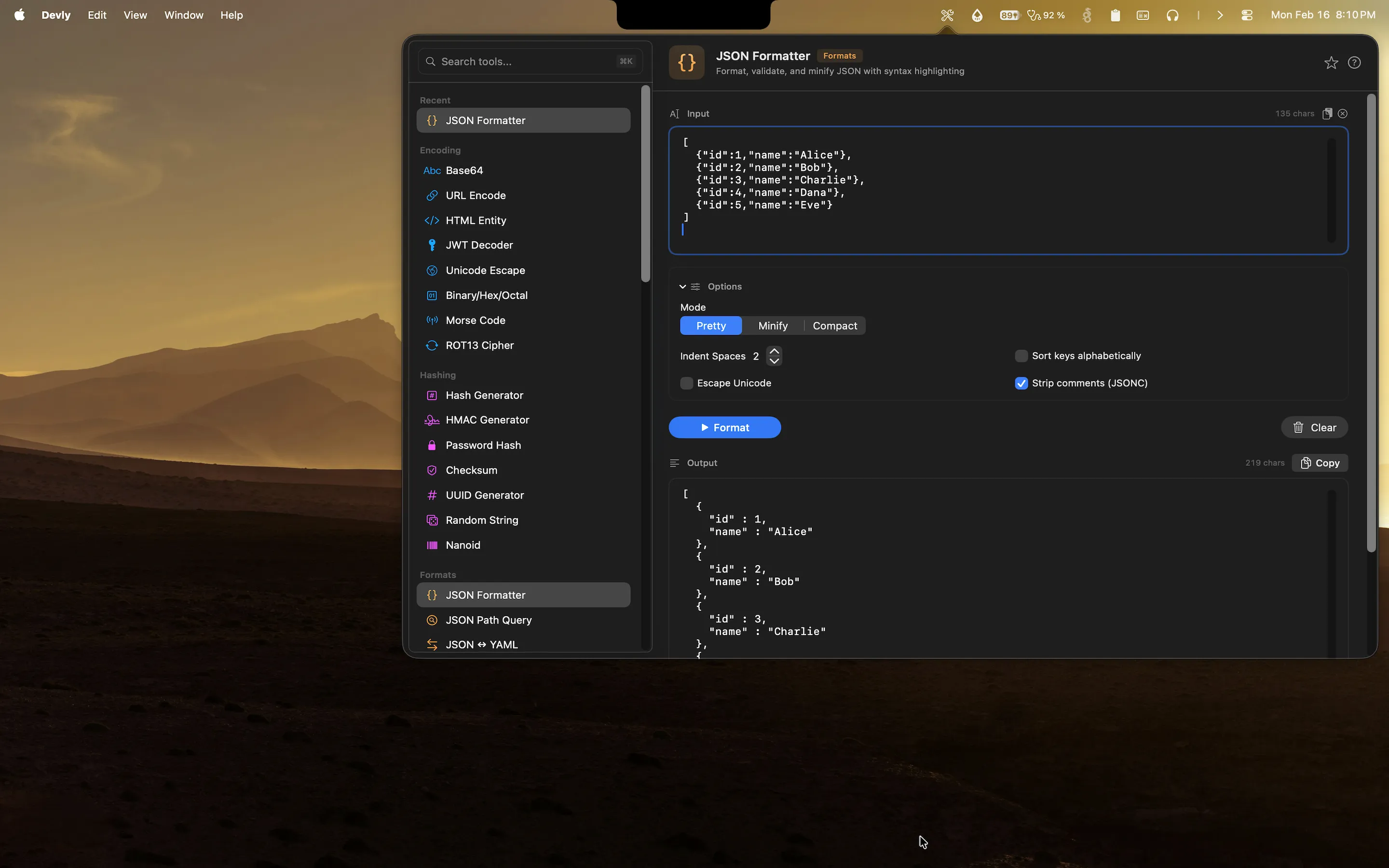
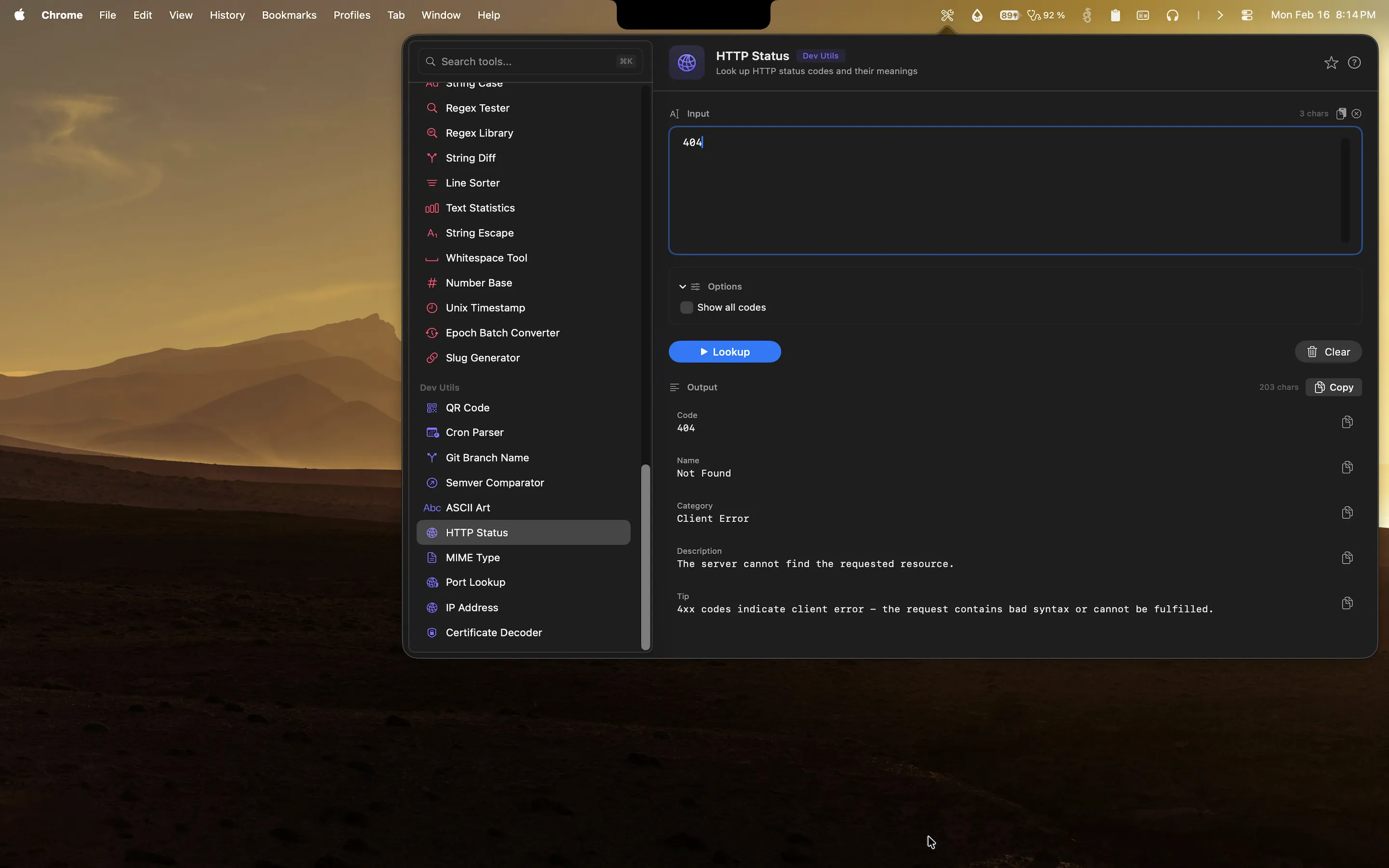
One of the advantages of Devly over single-purpose tools is the depth of what's available in the same app. Alongside the Base64 encoder you'll find URL encoding, HTML entity encoding, Unicode escaping, binary/hex conversion, and a JWT decoder all accessible from the same searchable list. Developers who regularly work with encoding tasks end up using several of these tools in a single session, and having them all in one place makes the workflow feel fluid rather than fragmented.
Devly is available on the Mac App Store for a one-time $4.99 purchase. No subscription, no account, and it runs on macOS 13 Ventura and later on both Apple Silicon and Intel.