Every dev tool, one click away.
65 developer tools in your Mac’s menu bar. Native, offline, and $4.99 once.

- Finder
- File
- Edit
- View
- Go
- Window
- Help


 Fri Oct 17 9:41 AM
Six of Devly’s tools, rebuilt to run in your browser. Click a tool to try it, or press ⌃⌥⌘D to open and close Devly.Tap a tool to try it.
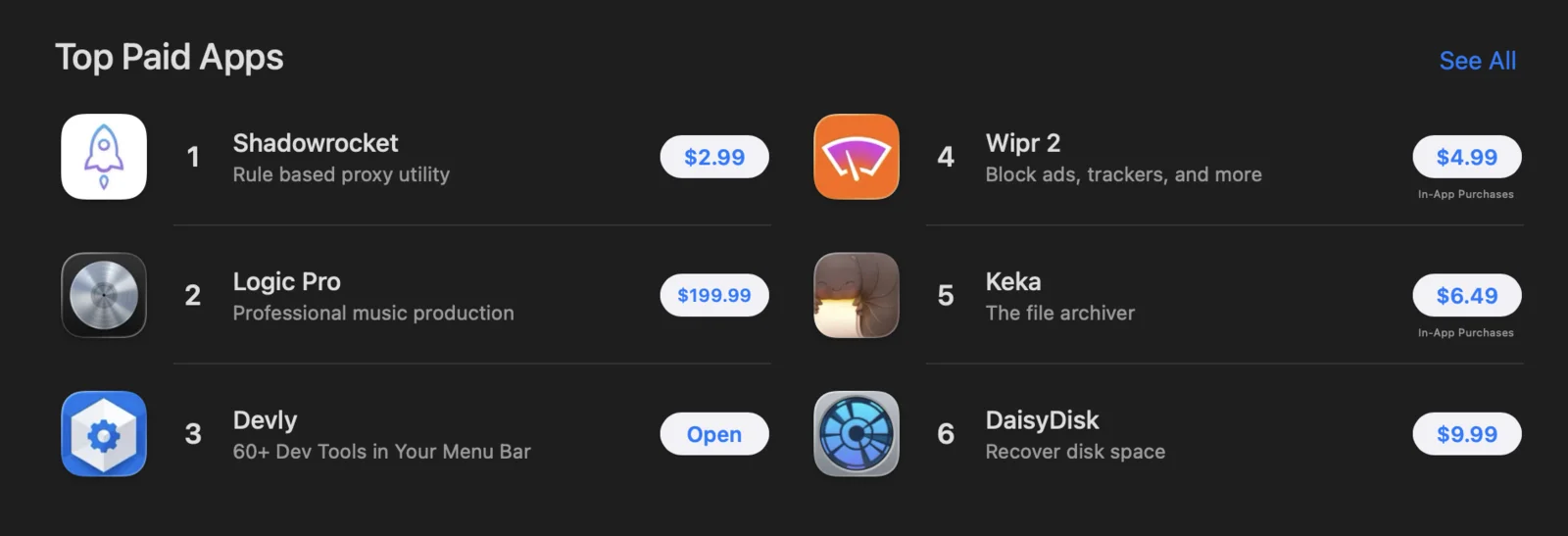
No. 3 on the Mac App Store.
Out of every paid Mac app, in July 2026.
- 65
- developer tools in one app
- 10
- releases since launching in February 2026
- 9 MB
- installed, as a native Mac app
- $4.99
- once, with every update free
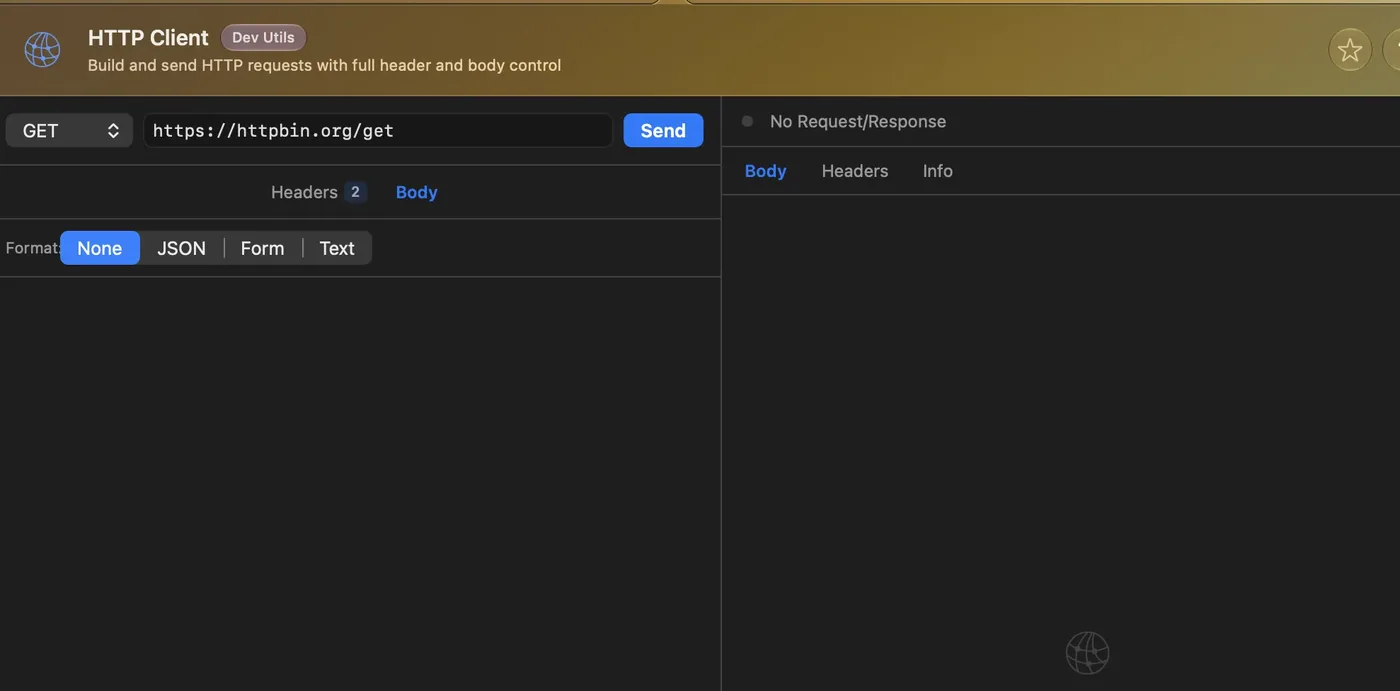
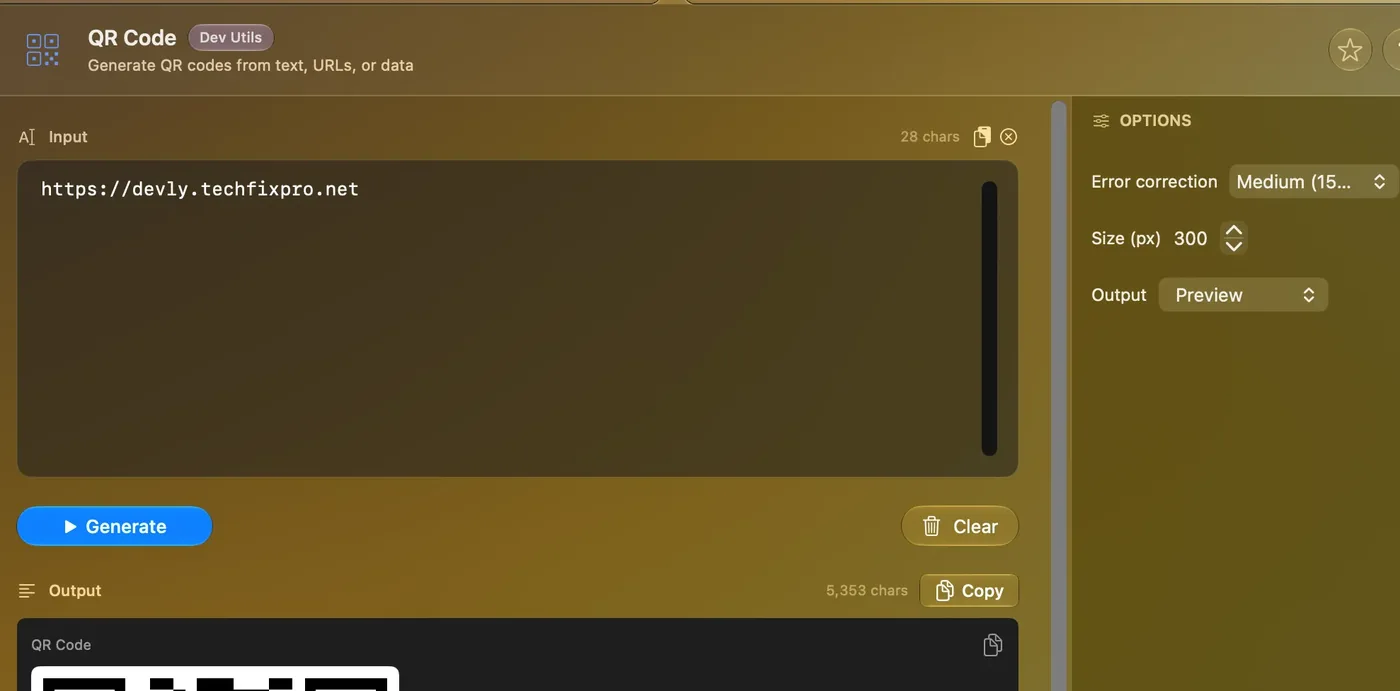
The real app, up close. Screenshots of Devly 2.3 in Liquid Glass. Not mockups.
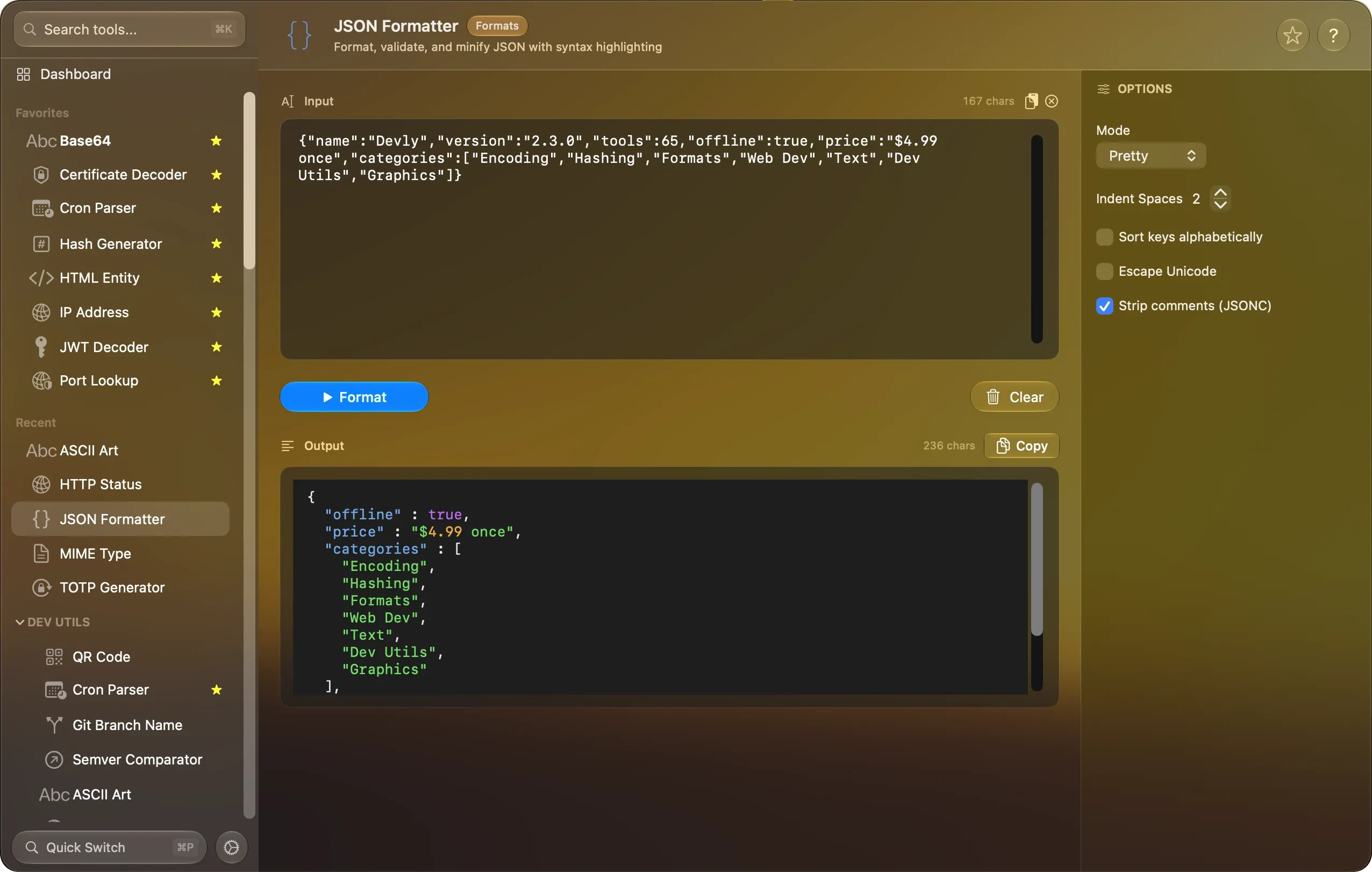
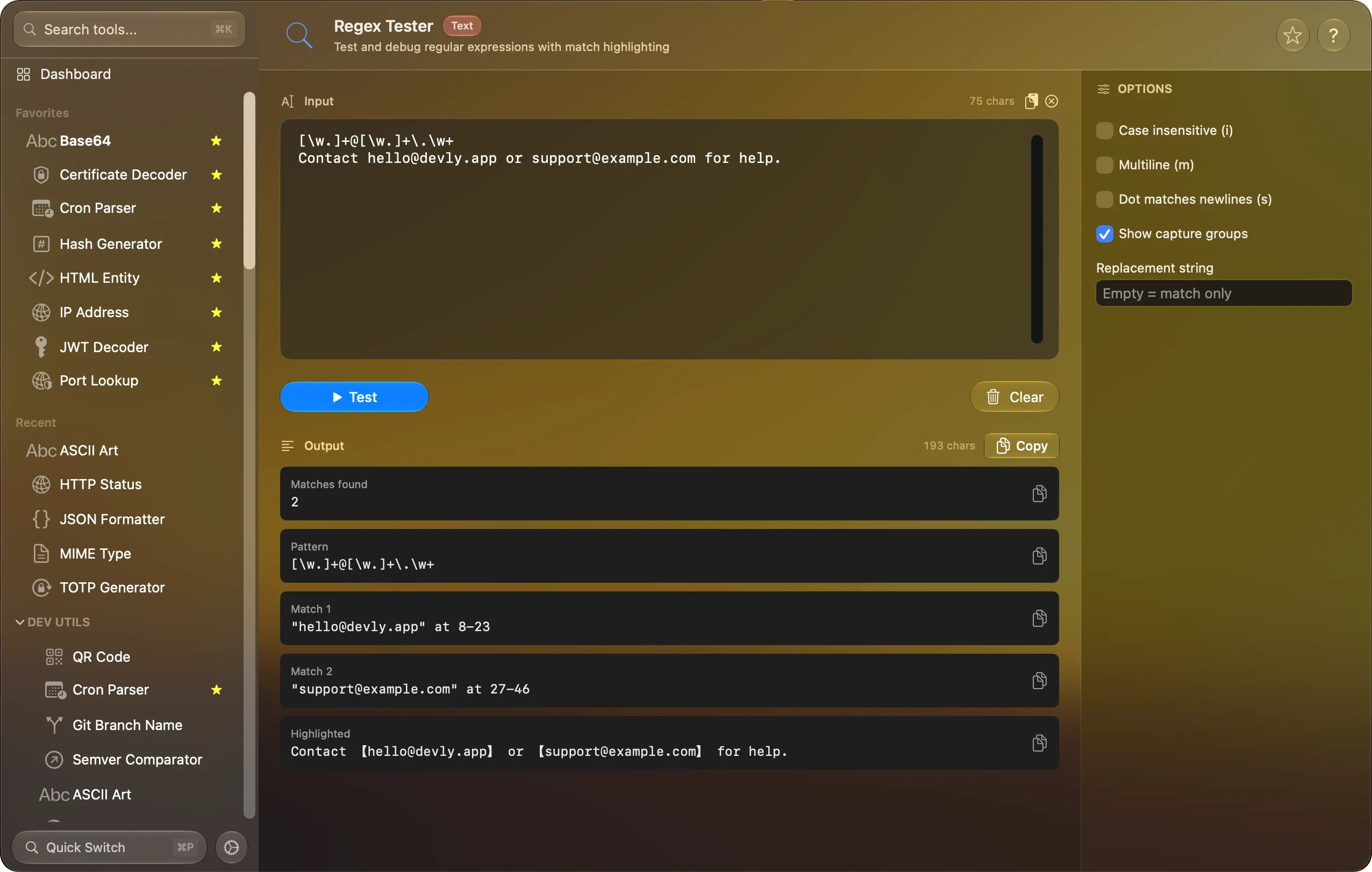
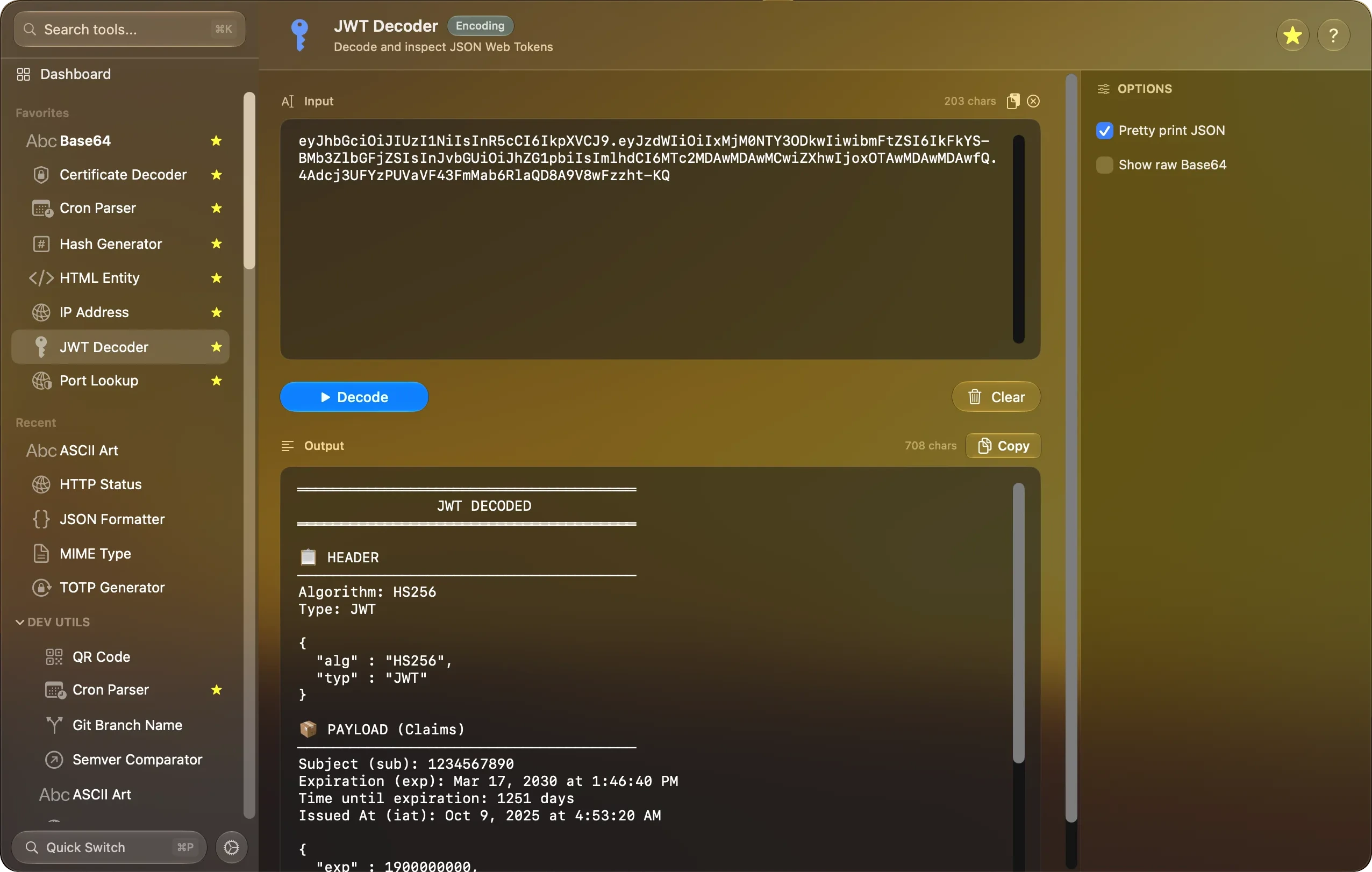
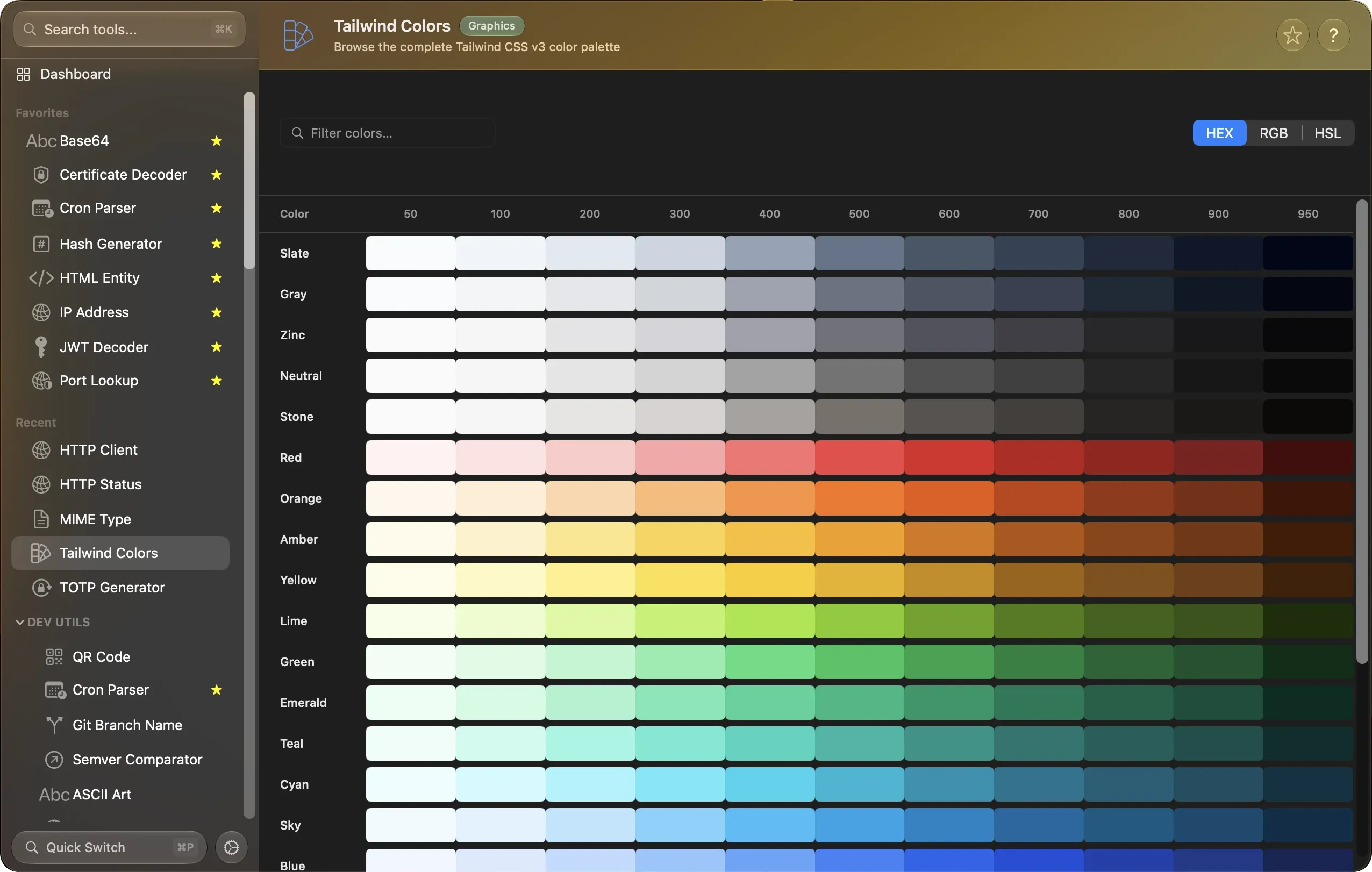
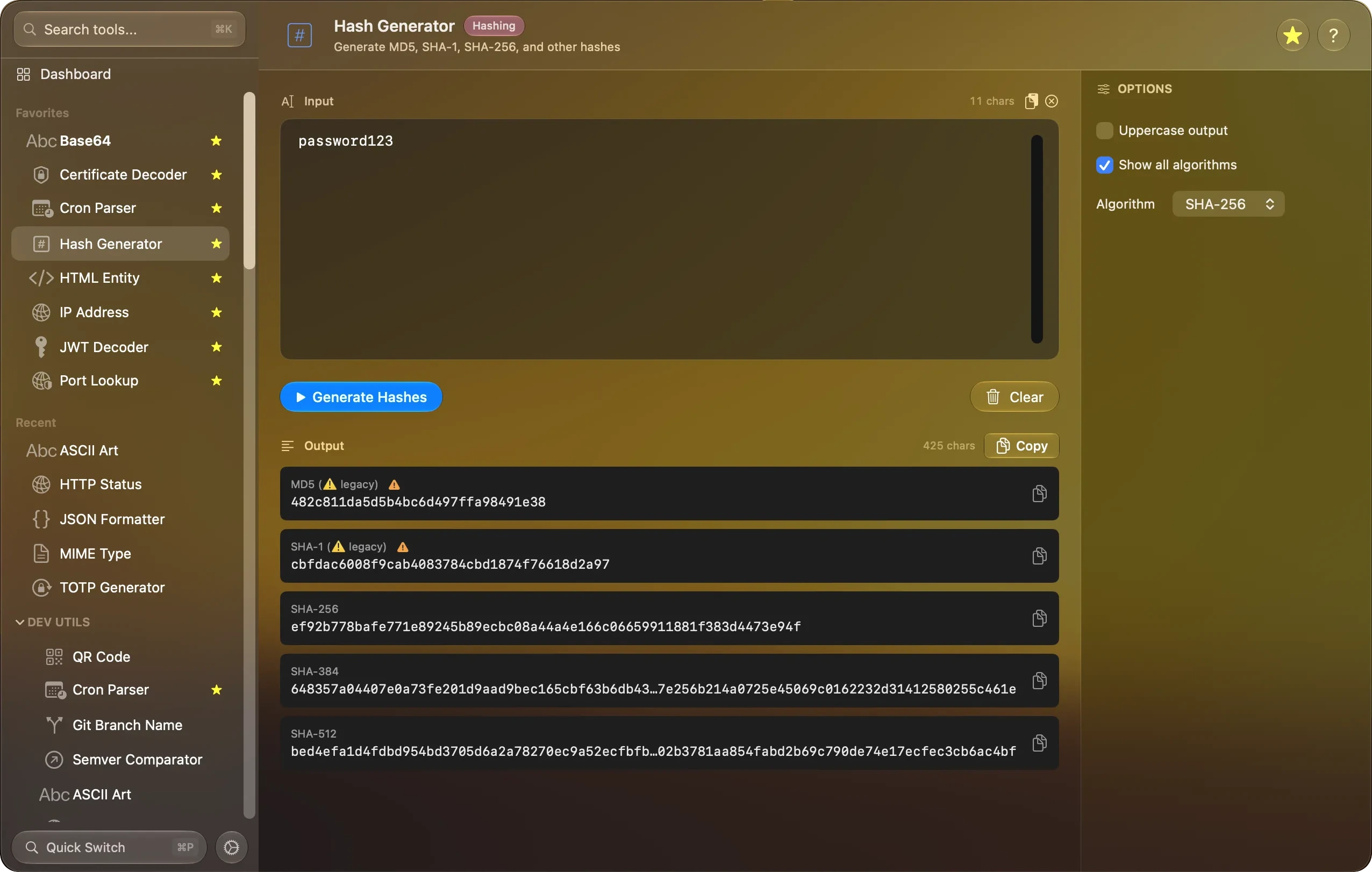
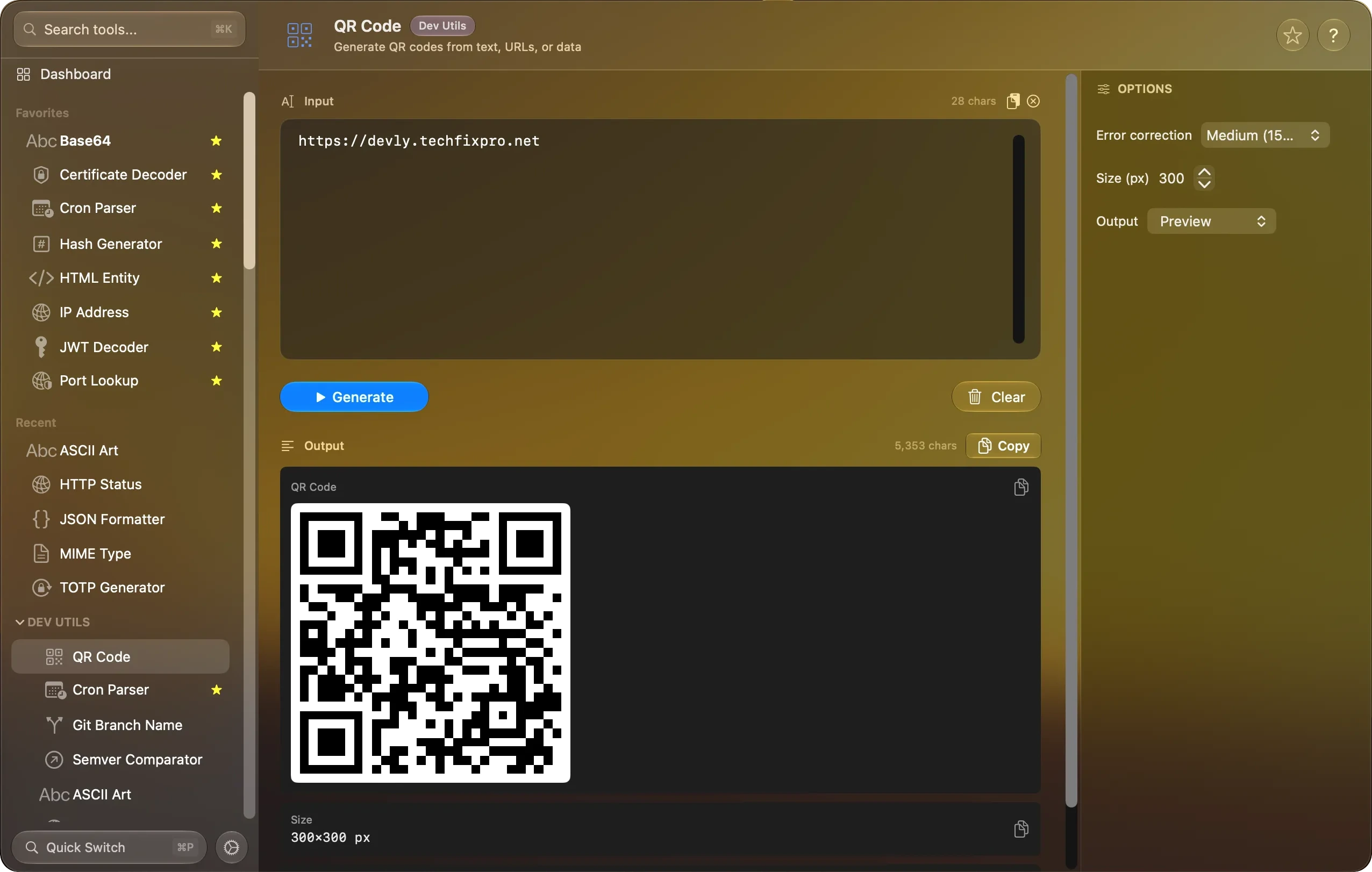
Format JSON. Pretty-print, minify, sort keys and strip comments.
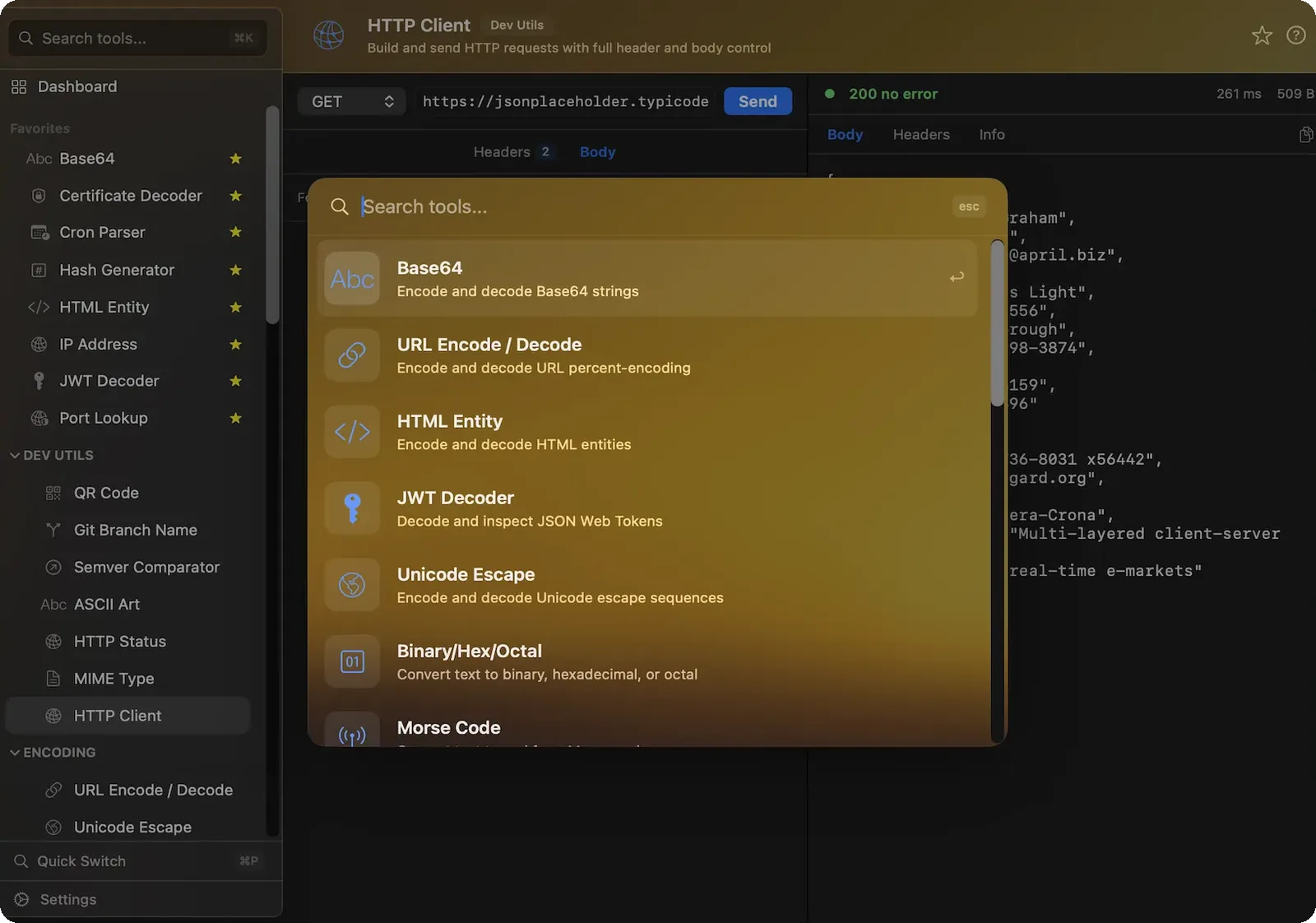
Built for the keyboard. Press ⌃⌥⌘D in any app and Devly drops down from the menu bar. Quick Switch finds a tool by its name or by what it does.
Every action has a shortcut.
- ⌃⌥⌘DOpen Devly
- ⌘PQuick Switch
- ⌘↵Run the tool
- ⌘SSwap input and output
- ⌘LClear
Not just formatters. A few of the tools people don’t expect to find in a menu bar app.
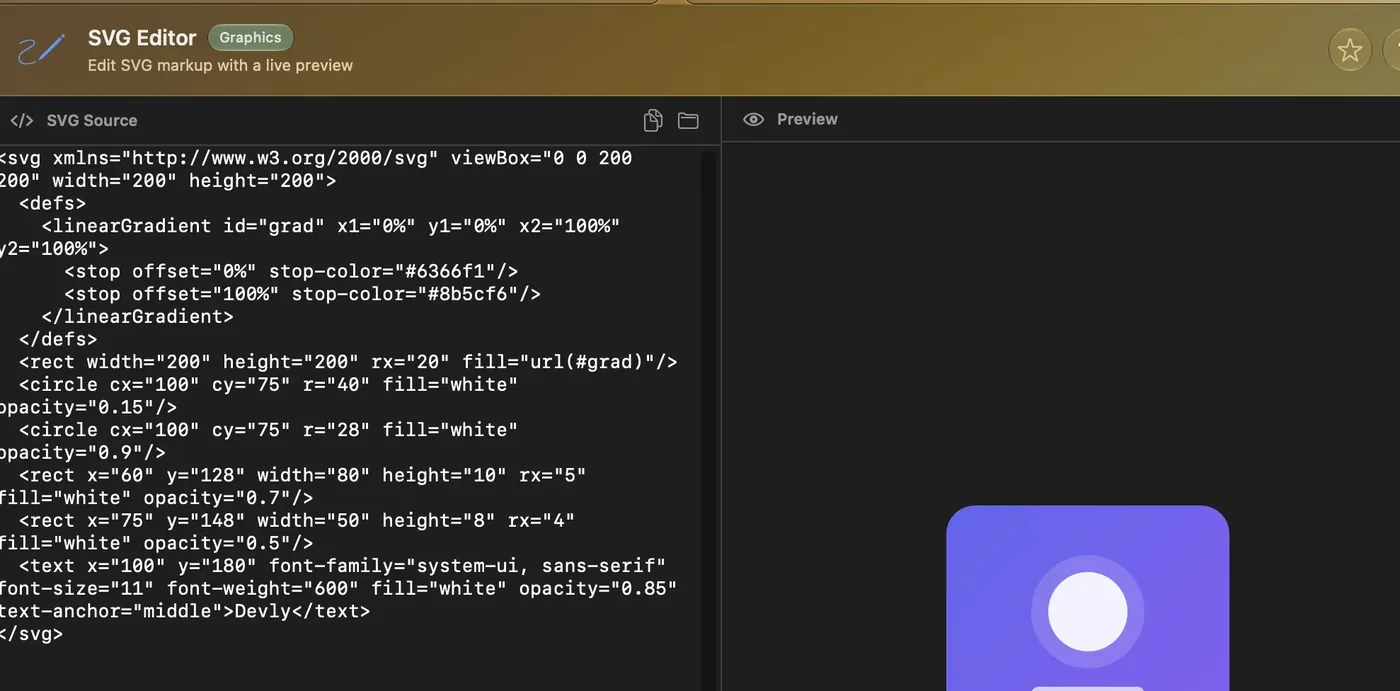
Edit SVG and watch it draw.
Change the markup on the left and the preview on the right updates as you type.
How the SVG Editor works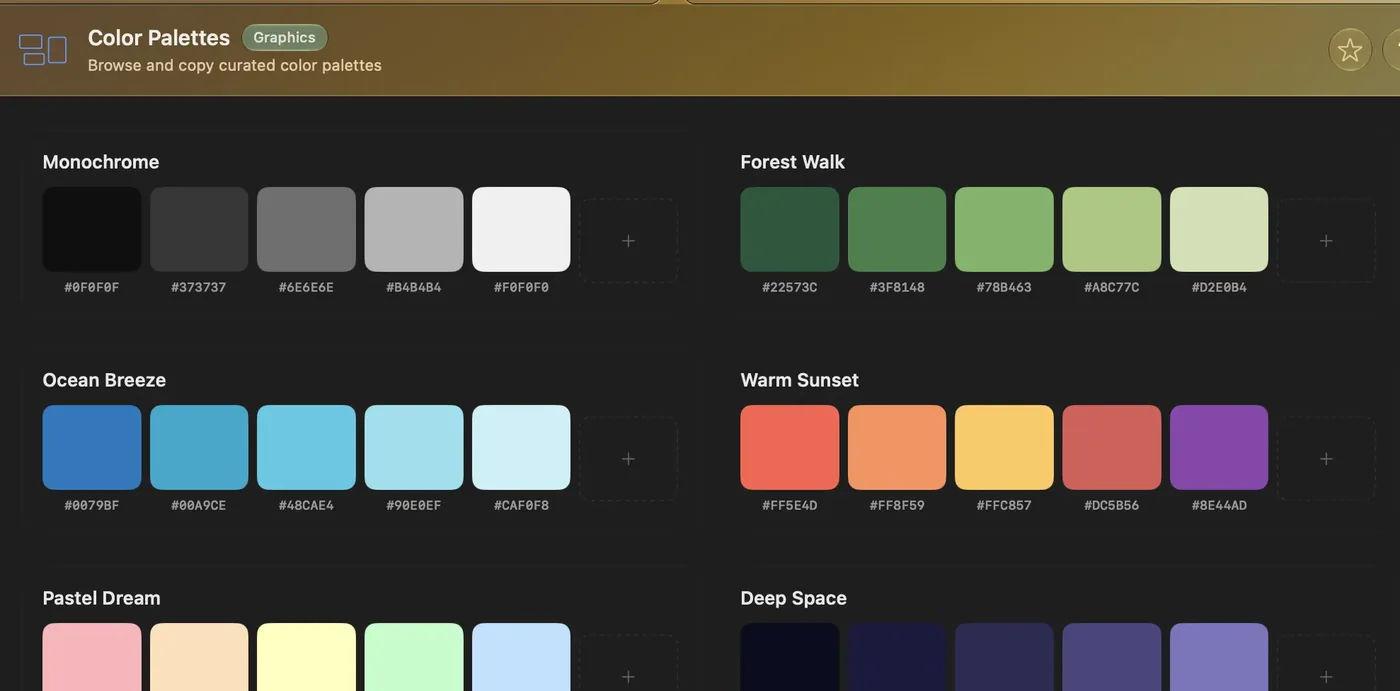
Palettes, ready to copy.
Curated color palettes with every hex value underneath. Click a swatch and it’s on your clipboard.
How Color Palettes works
New in 2.3: Favicon Converter.
Drop in one PNG. Get a multi-size favicon.ico, Apple touch and Android icons, a web manifest, and the HTML tags to paste in.
How Favicon Converter worksPaste anything.
It stays on your Mac.
Tokens, keys, customer data. Every tool runs on your Mac, with no account and nothing to sign in to. Only two tools ever go online, and only when you ask them to: the HTTP Client when you send a request, and Markdown Preview when your Markdown shows an image from the web.
Why not just use a website? Or the command line? Here’s how they compare for everyday jobs.
| Devly | Tool websites | Terminal | |
|---|---|---|---|
| Works offline | – | ||
| What you paste stays on your Mac | Depends on the site | ||
| Open it from any app | ⌃⌥⌘D | Find the tab or the site | Switch to Terminal |
| No ads, no sign-up | Often ads | ||
| One interface for every job | A different site each time | A different command each time | |
| Use it in scripts | With the free CLI | – |
All 65 tools. Grouped the way the app’s sidebar groups them. Click any tool to see how it works.
Every tool, with descriptionsEncoding 8
Hashing 8
Formats 11
Text 12
No tool matches that.

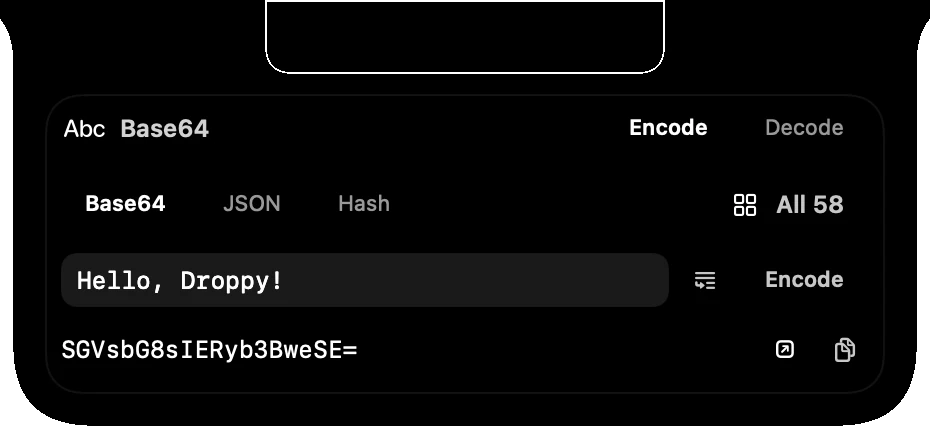
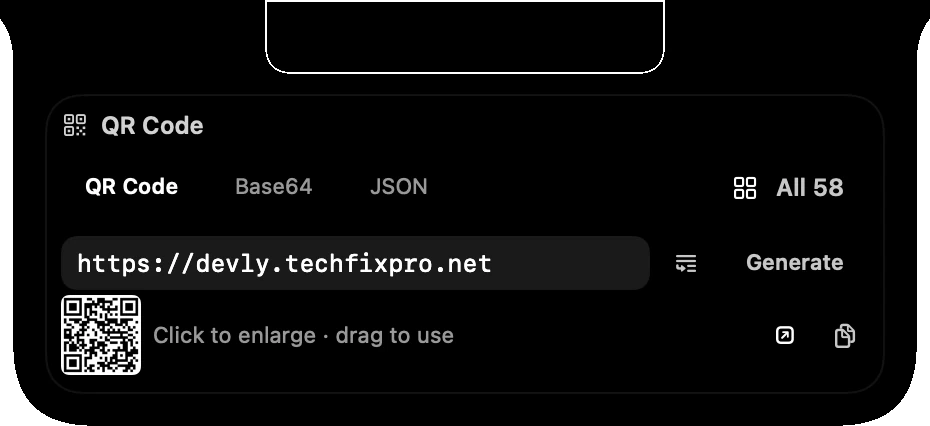
Now works with Droppy.
If you use Droppy, add the free Devly widget from its Store and run Devly’s tools from the notch. QR codes come out as images you can drag anywhere.
Optional, and off until you turn it on in Devly’s Settings. Droppy is a separate app by another developer.
The same tools in Terminal. Install the free command-line companion with Homebrew, then pipe things in and write results out. CLI docs ›
Install: brew install aarush67/tap/devlycli
~ $ devly base64 "Hello World"
SGVsbG8gV29ybGQ=

~ $ devly jsonformat --path data.json
~ $ cat api.json | devly jsonformat -o pretty.json
~ $ devly jwt "eyJhbGciOiJIUzI1NiIs…"
$4.99. No subscription.
Pay once on the Mac App Store. Every update is free, new tools included. No account. Runs on macOS 13 or later, on Apple silicon and Intel.
Questions.
Does it need the internet?
No. Every tool runs on your Mac. Two tools can go online, and only when you ask them to: the HTTP Client sends the requests you make, and Markdown Preview loads any images your Markdown links to on the web.
Which Macs does it run on?
macOS 13 Ventura or later, on Apple silicon and Intel. The Liquid Glass look needs macOS 26 or later; earlier versions get the classic look.
Can I use it as a normal window?
Yes. Turn on Standalone Window in Settings and Devly opens like any other app. You can hide the menu bar icon too.
Do I need Droppy?
No. The Droppy widget is an extra for people who already use Droppy.
Something’s missing or broken.
Email devly@techfixpro.net. A lot of Devly’s tools started as someone’s email.