If you write backend code long enough, a particular habit forms: you grab an API response, paste it into a browser tab, wait for some random JSON formatter website to load, and finally get your pretty-printed output. Then you close it and open it again in ten minutes because you missed something. It is one of those small frictions that doesn't seem worth fixing until you add up how many times a day you do it.
A JSON formatter for Mac that lives directly in your menu bar changes that completely. No browser tab, no ads, no waiting, and crucially no pasting real API responses into a third-party website.
Why Browser-Based JSON Formatters Get Old Fast
The first problem with browser-based JSON formatters is the workflow cost. You need to switch focus from your editor or HTTP client, navigate to a URL, paste your JSON, and copy the result back. That's four context switches for what should be a one-second operation.
The second problem is data privacy. Most developers don't think twice about pasting a raw API response into an online formatter but that response might contain user IDs, session tokens, internal service metadata, or other data that has no business leaving your machine. Online formatters can log requests. Even if they don't, it's a habit that eventually causes a problem.
The third problem is reliability. Online tools go down, get slow, show ads, or get acquired and abandoned. A native app on your Mac runs the same way every time, regardless of your internet connection.
Devly's JSON Formatter: What It Actually Does
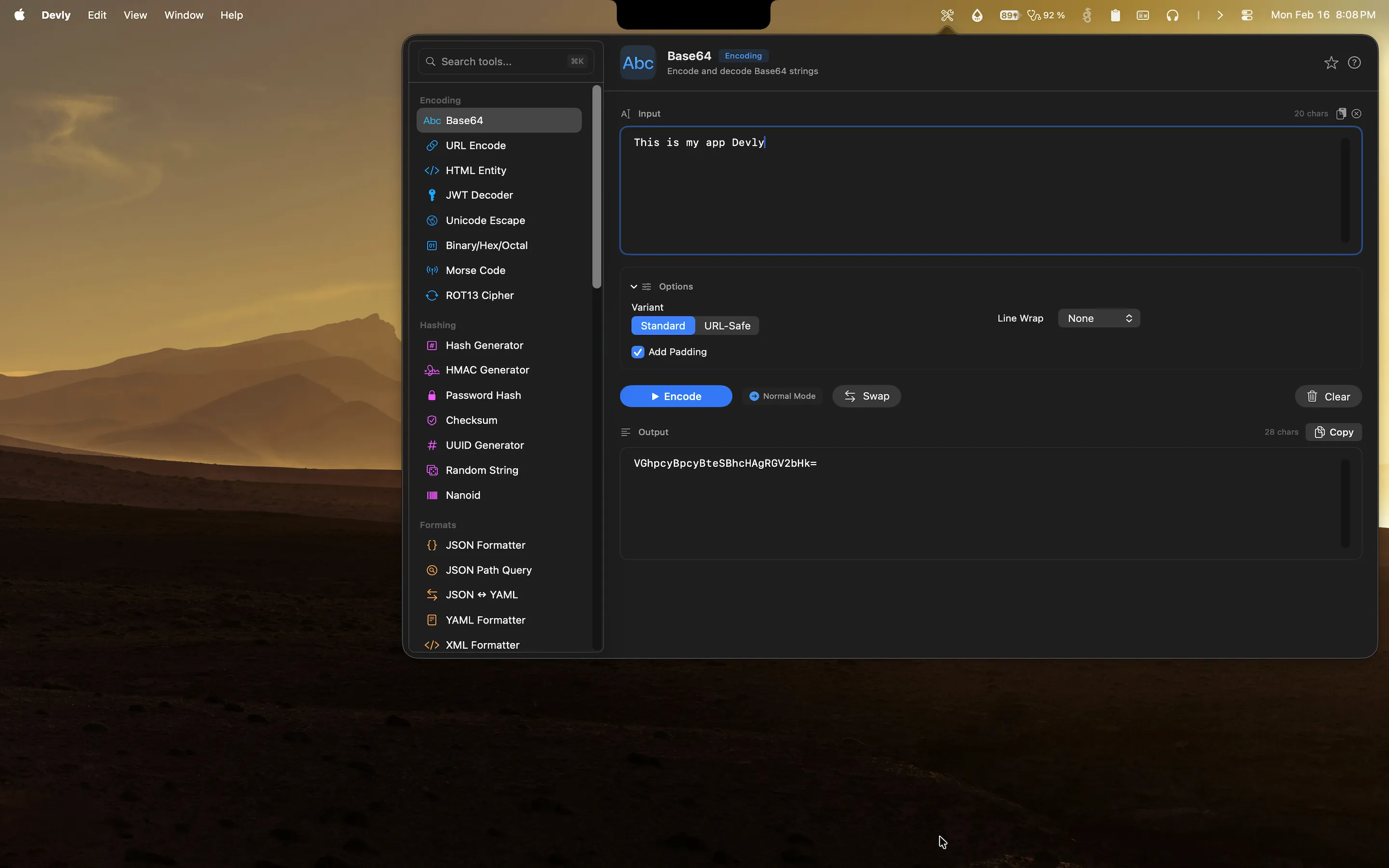
Devly is a native macOS app that lives in your menu bar and gives you instant access to 50+ developer tools, including a full-featured JSON formatter. You open it with a global hotkey (⌥⌘D), search for the tool you want with ⌘K, and you're working in under two seconds.
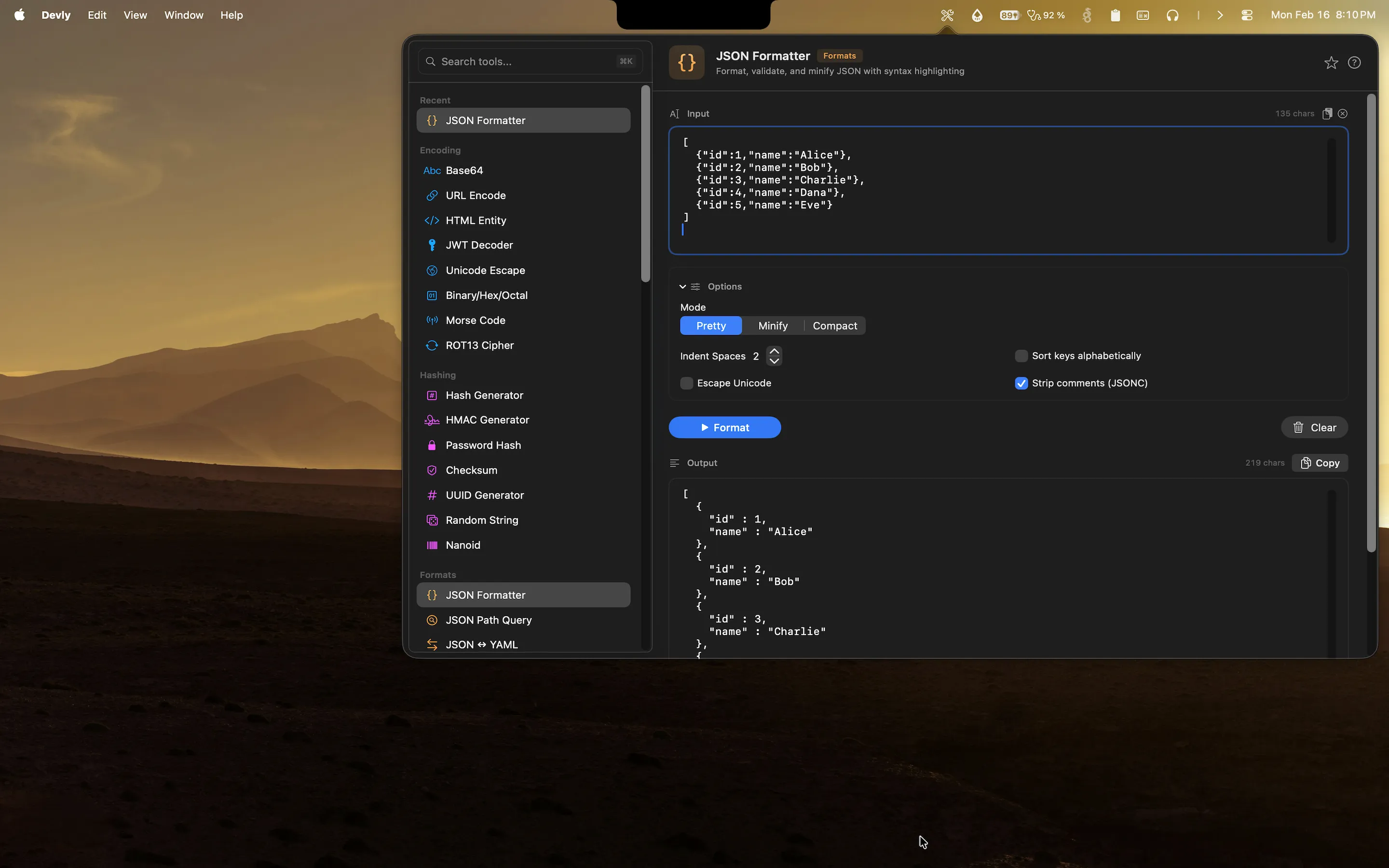
- Pretty-printing with configurable indentation paste minified JSON and get clean, readable output instantly
- JSON validation with clear, actionable error messages that point you directly to the malformed section
- JSON minification to strip whitespace and produce a compact version ready for API calls or storage
- Syntax highlighting in the output so you can visually scan strings, numbers, booleans, and nulls at a glance
- One-click copy to put the formatted result straight back on your clipboard
- JSONPath query engine to filter and extract values from large payloads without writing any code
The ⌘⏎ shortcut triggers formatting instantly, and ⌘K lets you switch between the formatter, minifier, and JSONPath tools without touching your mouse. If you work in a keyboard-first style, the whole workflow takes three keystrokes.
Your Data Stays on Your Mac
This is worth saying plainly: every JSON formatter operation in Devly runs entirely on your device. There are no network requests, no telemetry, no third-party analytics. The JSON you paste in stays in your Mac's memory for the current session only and is never written to disk or sent anywhere.
For developers working on real applications where API responses contain user data, tokens, or internal business logic this isn't a minor nicety. It's the right baseline behavior. A JSON formatter for Mac should be as private as your text editor.
A Typical JSON Debugging Workflow with Devly
Here's what a real debugging session looks like. You're investigating a bug in an API integration. The server is returning a complex nested JSON object and you need to understand its structure quickly.
- Copy the raw JSON from your HTTP client or log output.
- Press ⌥⌘D to open Devly from your menu bar.
- The JSON Formatter is likely already visible, or press ⌘K and type "json" to find it.
- Paste the JSON and press ⌘⏎ to format it.
- Scan the output or use the JSONPath tool to query specific fields.
- Press ⌘C to copy the formatted version back to your clipboard.
The whole sequence takes under ten seconds, and you never left your current context. No browser tabs, no switching apps, no loading spinners. It's the kind of small improvement that compounds across a full workday.
More Than Just a JSON Formatter
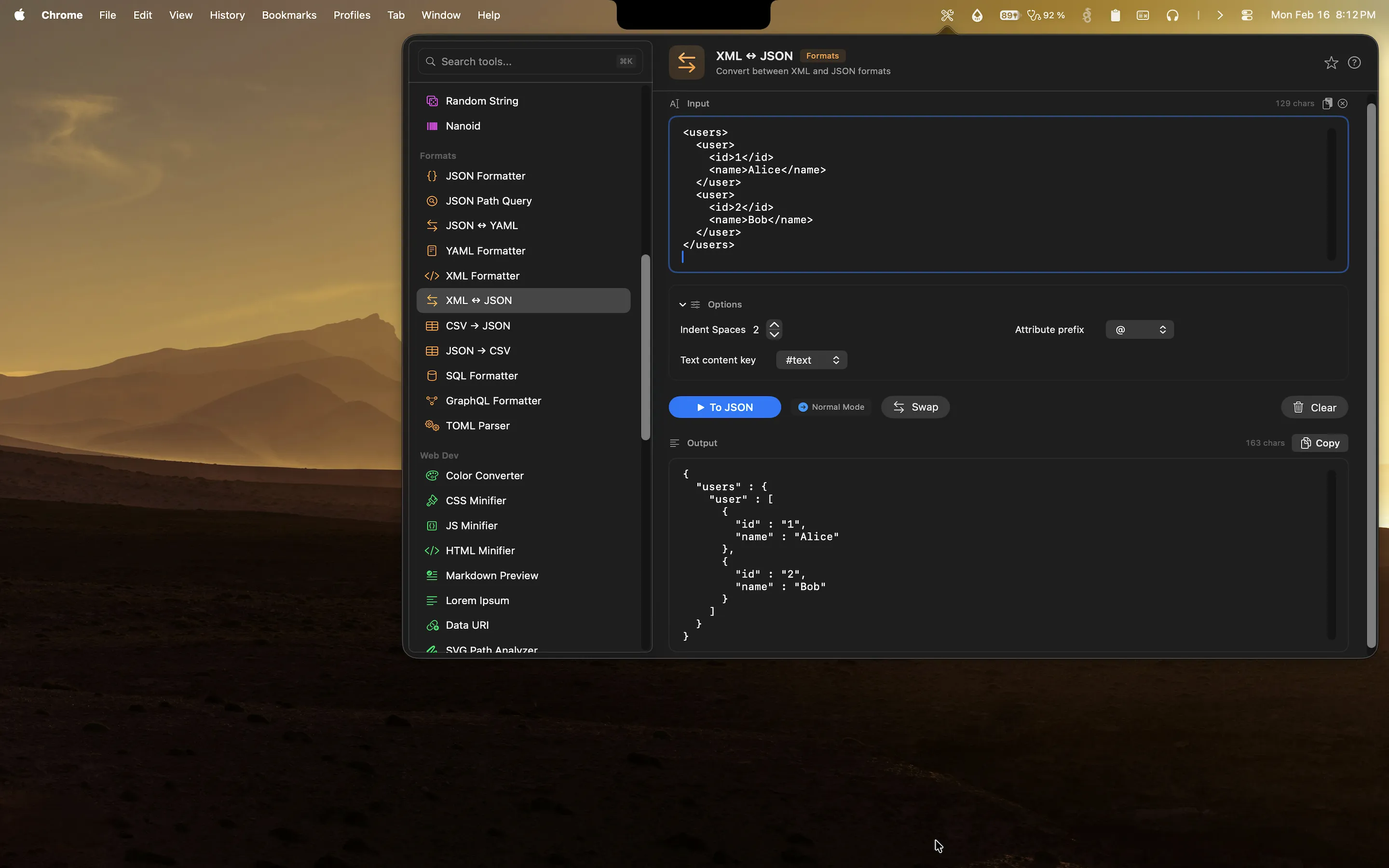
Because Devly bundles 50+ tools in a single app, the JSON formatter sits alongside a JSON ↔ YAML converter, XML formatter, SQL formatter, YAML formatter, and a GraphQL formatter all in the same popover. If you regularly work with multiple data formats, having all of them in one searchable tool list removes a lot of friction.
The app is built natively in SwiftUI, which means it loads instantly, respects macOS system settings like Dark Mode and Reduce Motion, and runs equally well on Apple Silicon and Intel Macs. It's a $4.99 one-time purchase on the Mac App Store no subscription, no account required.