You're debugging an authentication issue. Requests are failing with 401s and you need to figure out whether the problem is an expired token, a missing claim, or a malformed payload. The fastest way to know is to look inside the JWT but that means either writing a quick decoder yourself or pasting the token somewhere. Most developers go with option two, which means pasting a live authentication token into a third-party website.
That's a habit worth breaking. JWT tokens often contain user IDs, roles, scopes, and other sensitive claims. A native JWT decoder for Mac that works entirely offline removes that risk and, honestly, is just faster than a browser tab too.
The Problem with JWT Tokens During Development
JSON Web Tokens have a deceptively simple structure: three Base64url-encoded sections header, payload, and signature separated by dots. The header and payload are plain JSON objects that anyone can read without the secret key. The signature is there to verify authenticity; you don't need it to inspect the contents.
The challenge is that manually decoding three Base64url strings and pretty-printing the JSON is tedious when you're in the middle of debugging something. You want to know: what algorithm was used, what claims are present, when does this token expire, and what user or scope does it represent. A good JWT decoder answers all of those questions in one view, the moment you paste the token.
The secondary challenge is that many developers reach for popular online JWT tools out of habit. These sites work fine, but they operate in a browser environment that runs third-party scripts, logs requests by default, and puts your token on a network connection. For development tokens this is often fine. For tokens from a staging environment with real user data, it's a risk.
What Devly's JWT Decoder Shows You
Devly is a native macOS menu bar app with 50+ developer tools. Its JWT decoder is purpose-built for the inspection workflow: paste a token, immediately see the decoded result, no extra steps.
- Decoded header algorithm (alg), token type (typ), and any other header claims, formatted as readable JSON
- Decoded payload all claims in the payload section including sub, iss, aud, iat, exp, and any custom claims
- Human-readable timestamps iat (issued at) and exp (expires at) are converted from Unix timestamps to local date/time
- Expiry status Devly shows whether the token is currently valid, expired, or not yet valid based on the exp and nbf claims
- Raw signature section displayed separately so you know it's present but clearly not decoded without the secret
The expiry display is particularly useful during debugging. Rather than calculating whether a Unix timestamp has passed, Devly converts the exp claim to a date like "Expired 3 hours ago" or "Valid for 12 more minutes". When you're tracking down a token refresh bug, that immediate readability saves real time.
Debugging JWTs Safely on Your Mac
Devly processes JWT tokens entirely on your device. There are no network requests, no logging, no analytics. When you open the JWT decoder and paste a token, the decoding happens in Swift running locally the token never leaves your Mac's memory for the duration of the session.
This is the right way to handle authentication tokens. The fact that you're inspecting the payload doesn't mean you need to hand it to a server. The three sections of a JWT are just Base64url-encoded JSON. Any native app with a Base64 decoder and a JSON parser can show you the contents no network required.
For teams with strict security policies or developers working in regulated industries, a local JWT decoder isn't just convenient it may be necessary. Devly satisfies that requirement by design.
Beyond JWT: Devly's Full Encoding Toolkit
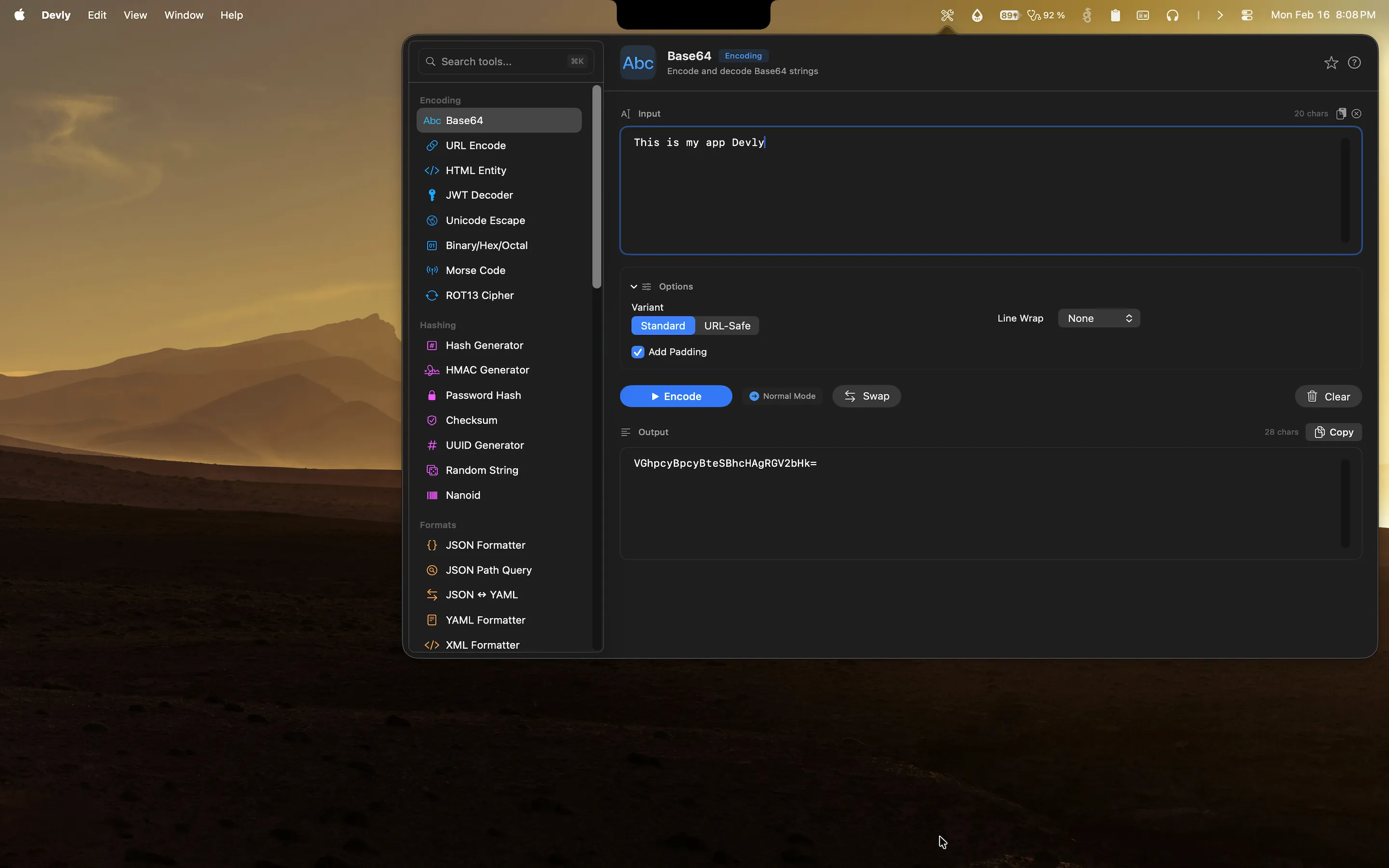
Because JWT tokens are fundamentally Base64url-encoded JSON, debugging them often leads you to want related tools in the same session. You might need to decode a Base64 string from the payload, or re-encode a modified payload to test how your application handles it, or check a hash against a known value.
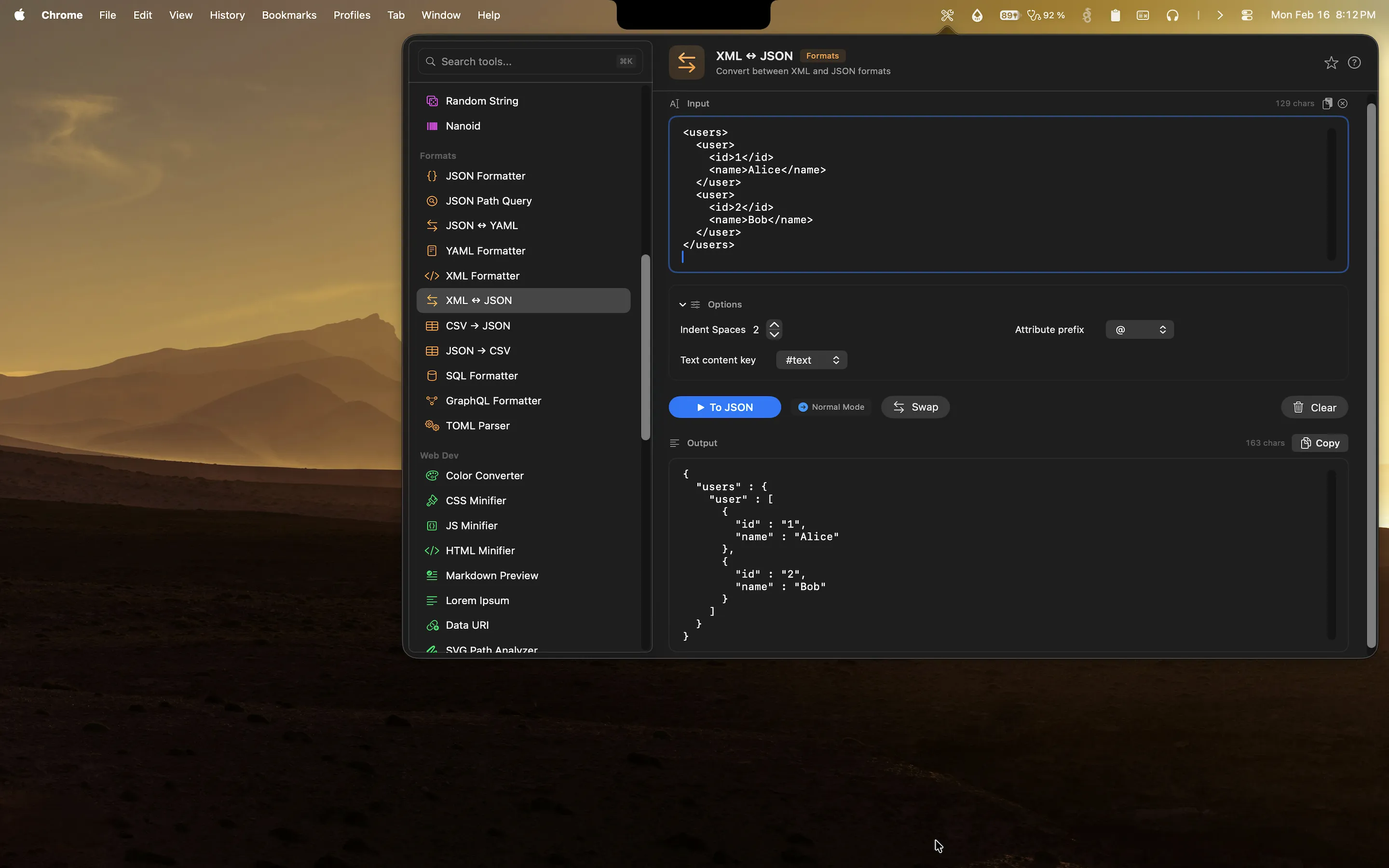
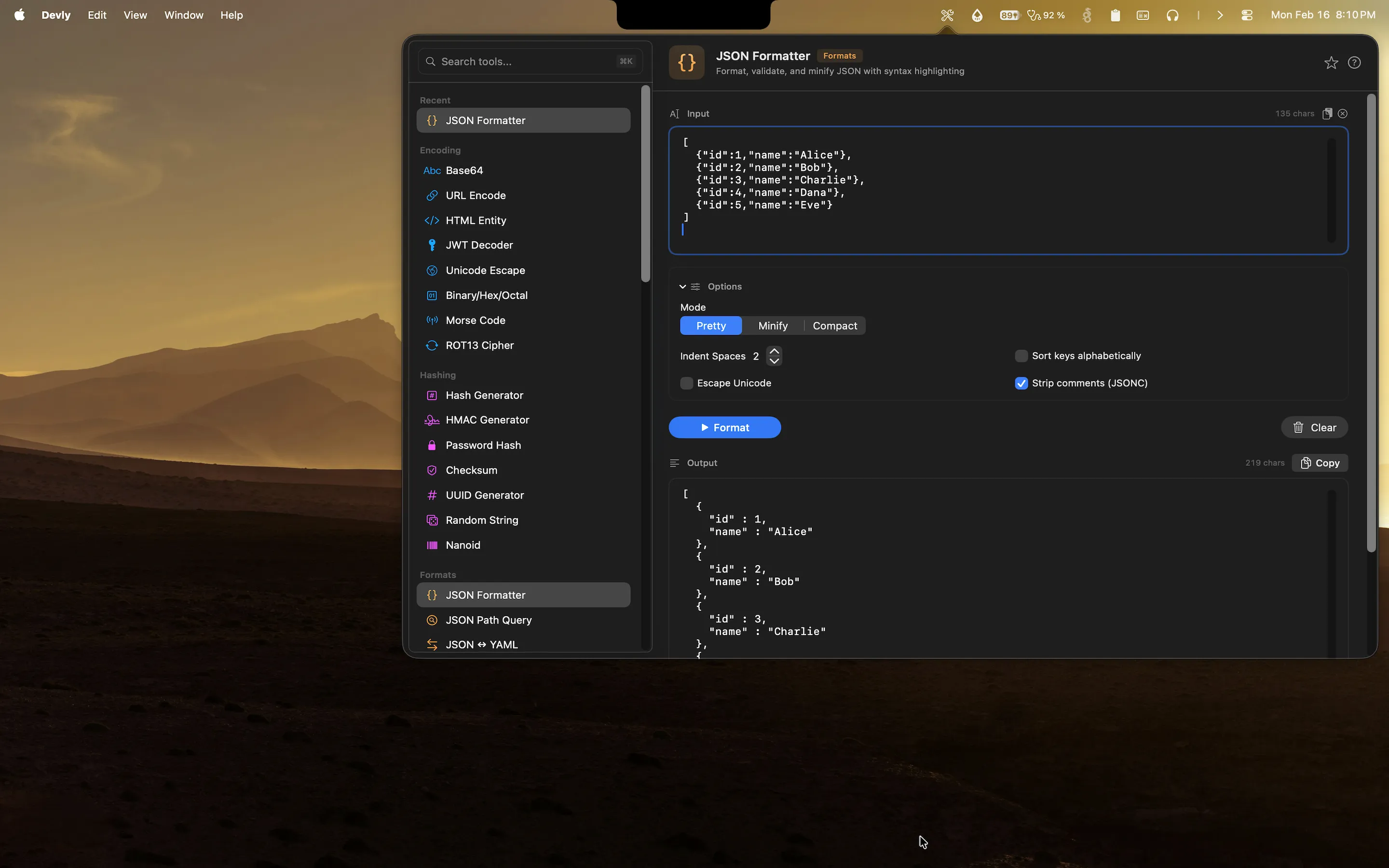
Devly has all of those tools in the same app. The Base64 encoder/decoder, JSON formatter, hash generator, and URL encoder are all one ⌘K search away. If you're tracing an authentication bug through multiple layers, you can work through all of it without leaving the Devly popover.
The app is a one-time $4.99 purchase on the Mac App Store, compatible with macOS 13 Ventura and later. No subscription, no account, and no data leaving your machine.