Regular expressions are one of the most powerful tools in a developer's kit, and one of the most frustrating to write without feedback. You craft a pattern, run it in your head, convince yourself it will match what you want, and then discover in code review or in production that it missed an edge case, was too greedy, or doesn't handle Unicode correctly. The problem isn't that regex is hard. The problem is that writing regex in a text editor, without a live view of what it matches, is like writing CSS without a browser preview.
A regex tester that gives you instant match highlighting as you type changes the game entirely. Even experienced developers who know regex cold write better patterns when they can see the matches update in real time.
Why Developers Struggle with Regex
The disconnect between writing a pattern and seeing it work is at the root of most regex pain. You build a mental model of what the pattern does, but that model is often incomplete especially for quantifiers, character classes, and anchors that interact with each other in non-obvious ways.
The secondary issue is that regex syntax differs subtly across engines. A pattern that works correctly in Python might need adjustments for JavaScript, or behave differently in Swift or Go. Knowing which engine you're working against, and what features it supports, matters. Most online regex testers let you switch between engines or use JavaScript by default, which might not match your deployment environment.
A good regex tester for Mac solves both problems: it shows you immediately what matches, and it uses the regex engine you're actually targeting or at least one close to it.
Devly's Regex Tester: How It Works
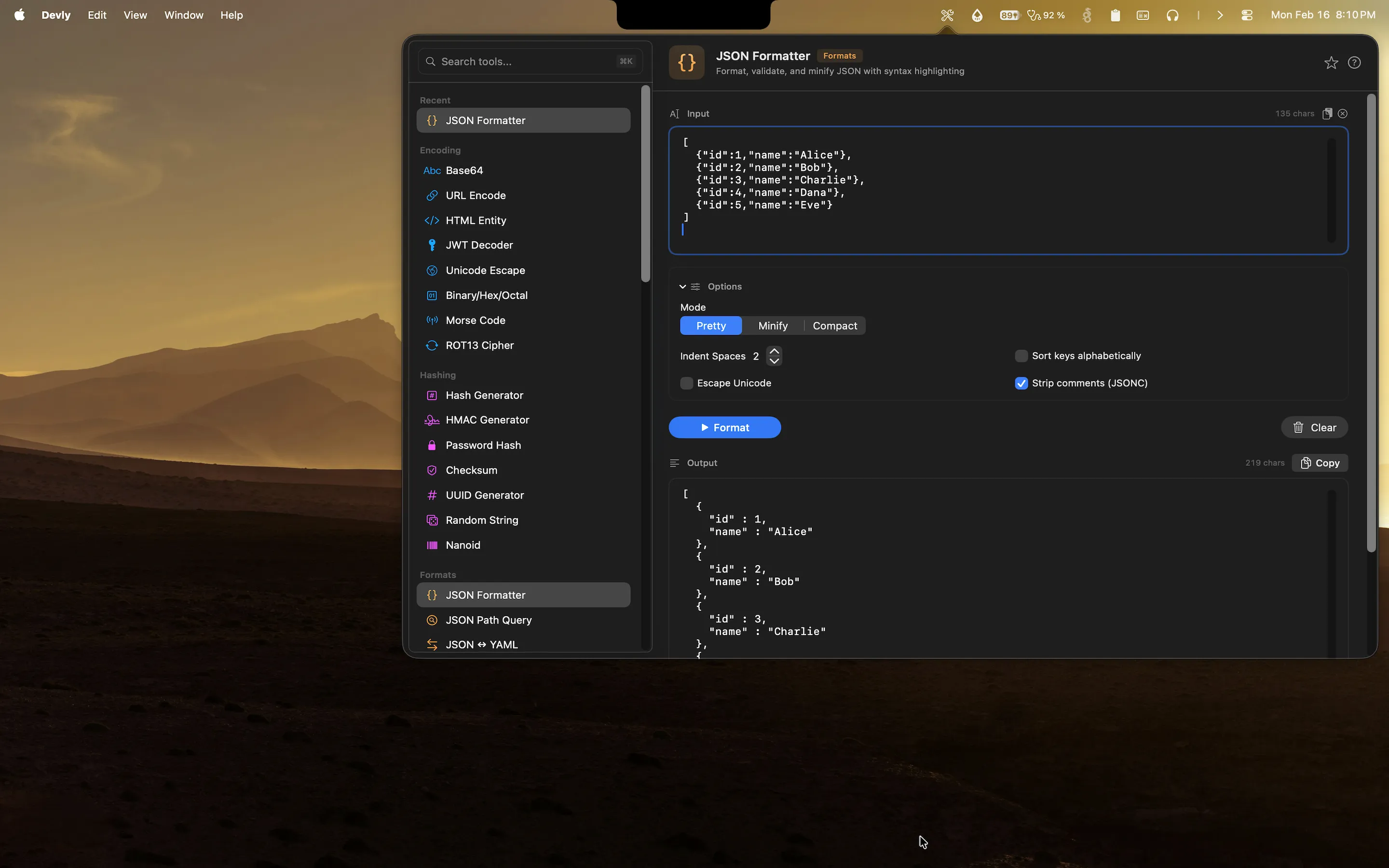
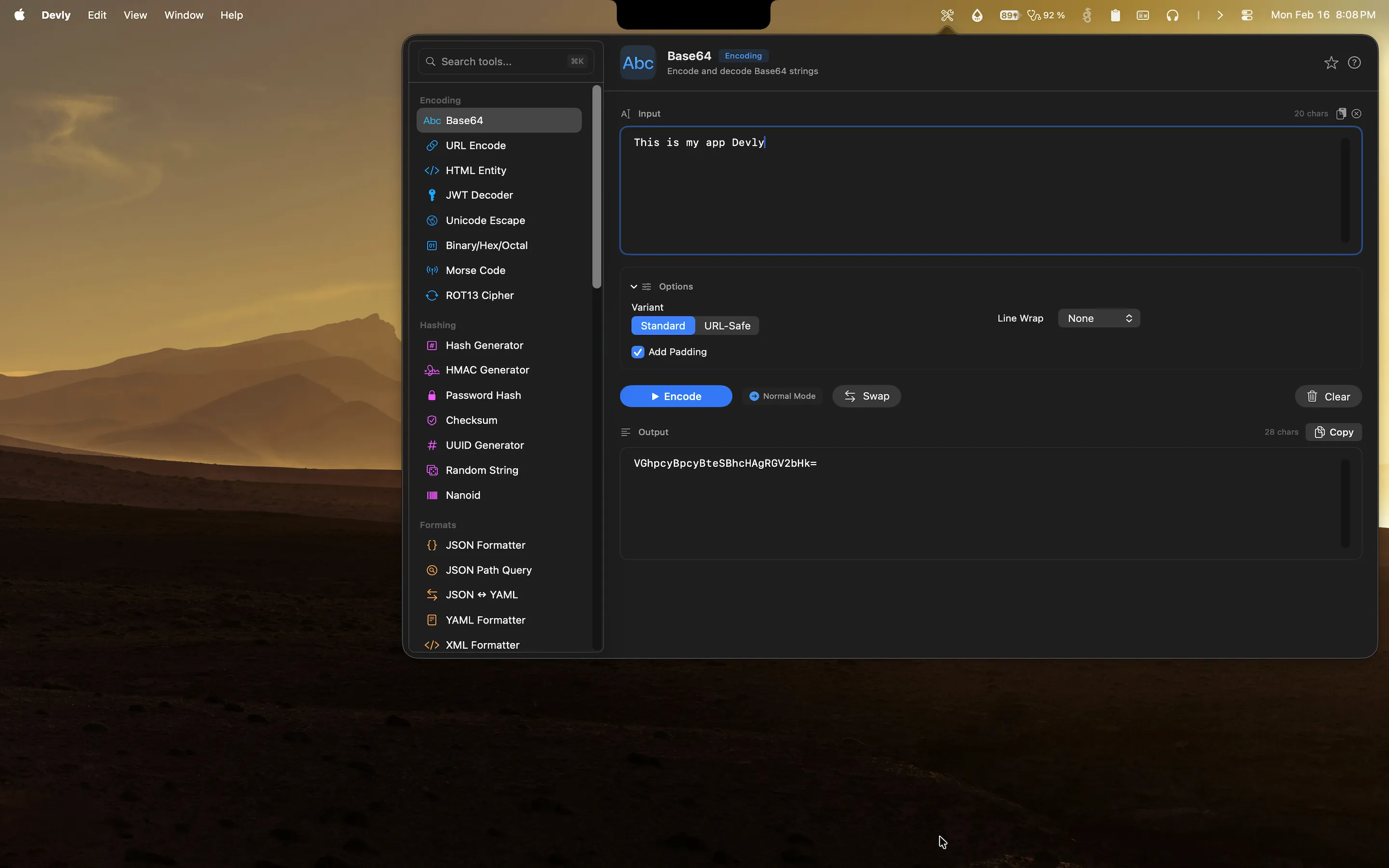
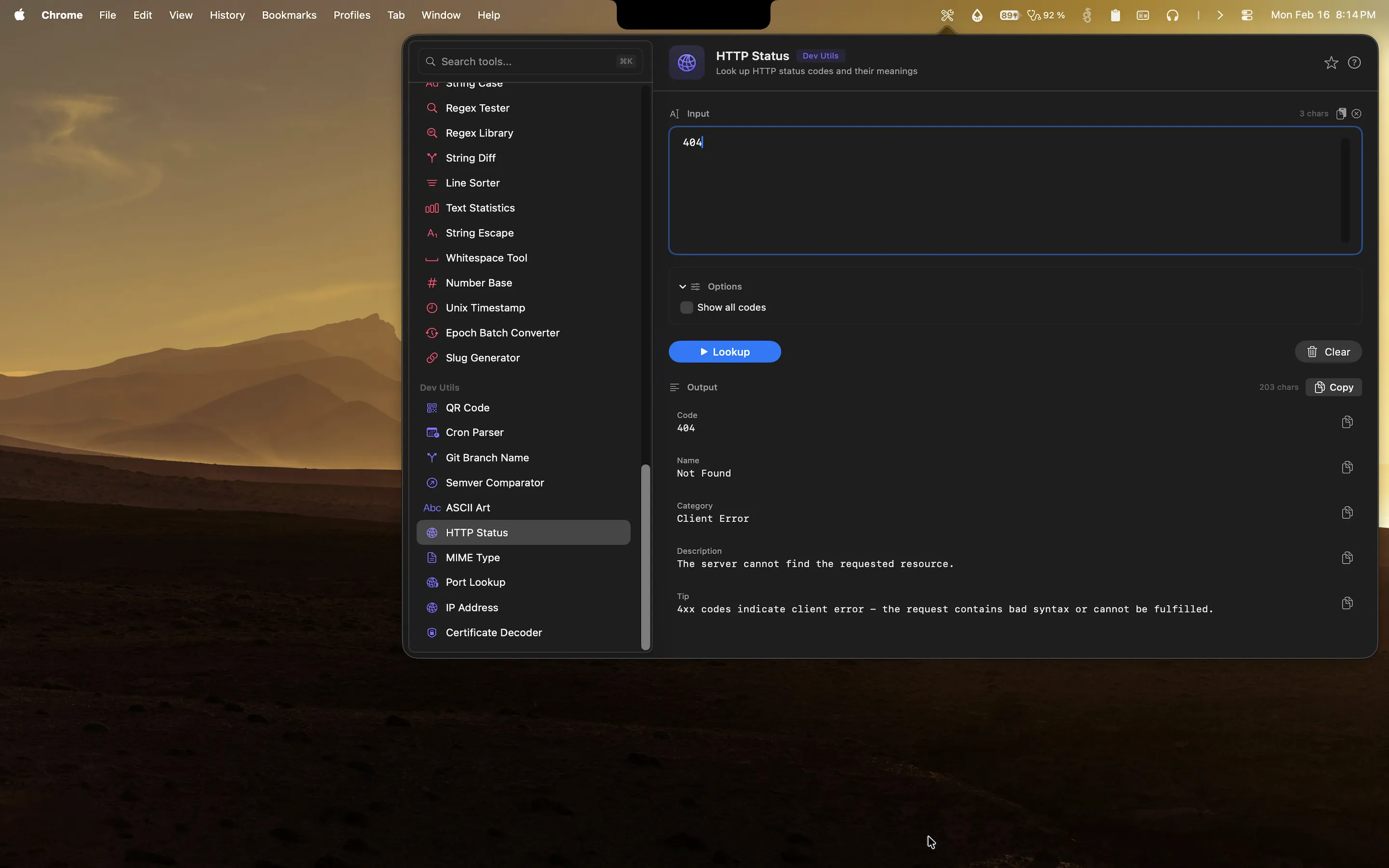
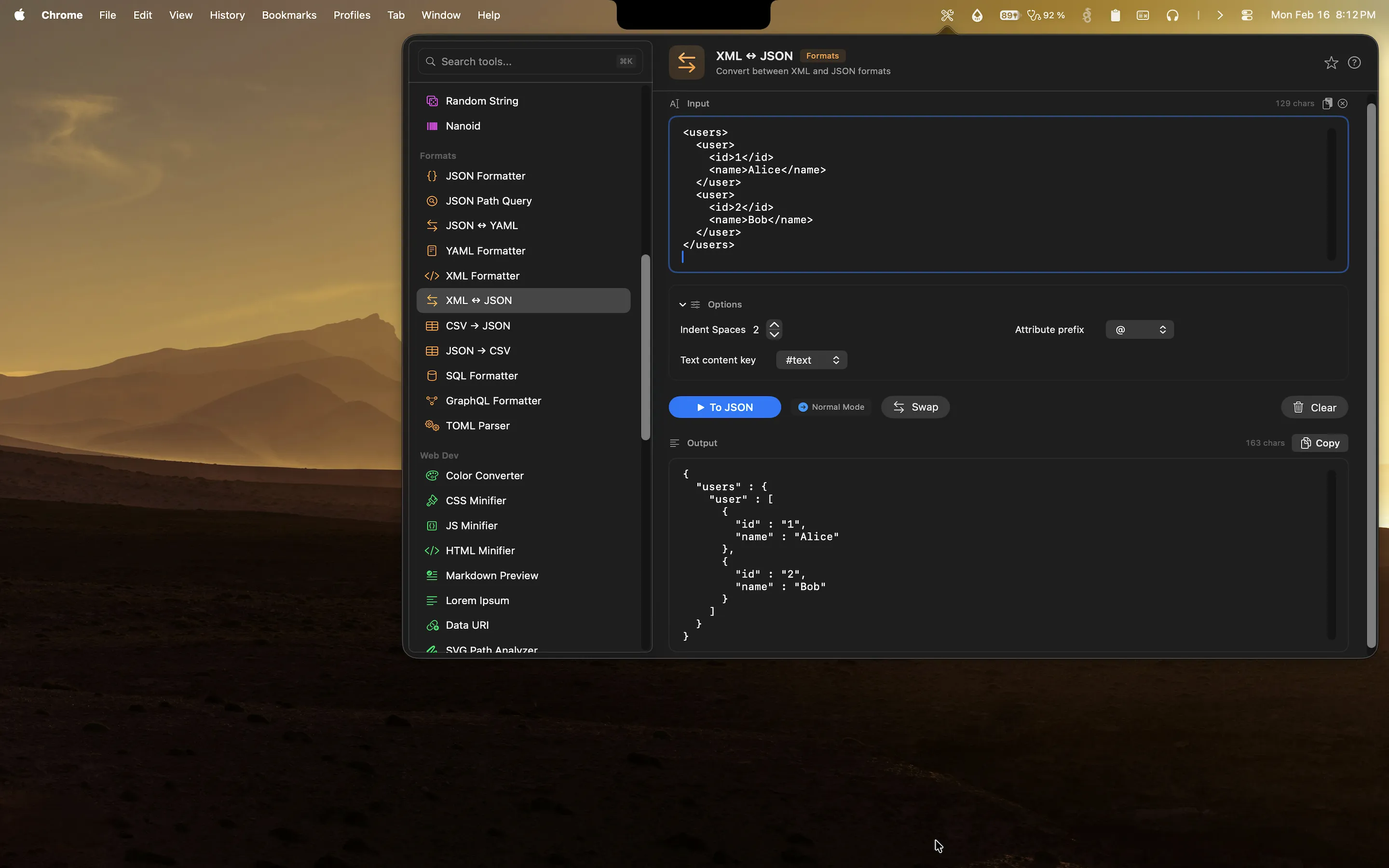
Devly is a native macOS menu bar app with 50+ developer tools, including a full-featured regex tester. You open it with ⌥⌘D from anywhere on your Mac and go directly to the regex tool in two keystrokes.
- Real-time match highlighting matches are highlighted in the test string as you type your pattern, with no submit button required
- Match count and capture groups see how many times the pattern matched and inspect each capture group's value separately
- Regex flags toggle case-insensitive, multiline, and dot-all modes directly from the interface
- Error display if your pattern has a syntax error, Devly shows the error message immediately rather than silently failing
- Built-in pattern library browse common patterns for email, URL, IP address, date formats, phone numbers, and more
The real-time updating is the feature that makes the biggest practical difference. As you type or edit your pattern, the highlights in the test string update immediately. You see your match narrowing or expanding as you add specificity to your pattern. You catch mistakes as you make them rather than after a round-trip to your code.
The Regex Pattern Library
One of the more useful things in Devly's regex tester is the built-in pattern library. Rather than searching the web for a "regex to match email addresses" and hoping the Stack Overflow answer is still valid, you can browse Devly's library of common, tested patterns and load any of them into the editor with a single click.
The library covers the patterns developers reach for repeatedly:
- Email address validation (RFC-compliant and practical variants)
- URL matching with optional scheme, path, query string, and fragment
- IPv4 and IPv6 address formats
- Date formats (ISO 8601, US, European)
- Phone number formats for different regions
- Semantic versioning (SemVer) strings
- Hex color codes and CSS color values
- UUID matching
- Slug validation (lowercase letters, numbers, hyphens)
Loading a library pattern into the editor is a starting point, not a final answer. You see it running against your test input immediately and can adjust it for your specific requirements tightening character classes, adding anchors, tweaking quantifiers with instant visual feedback at every step.
Using Devly for Real-World Regex Tasks
The typical workflow looks like this. You're writing validation logic for a form field say, a username that allows alphanumeric characters, underscores, and hyphens, between 3 and 30 characters. You open Devly, go to the regex tester, paste in a set of test strings (valid usernames, edge cases, strings that should be rejected), and start building your pattern. Every change to the pattern shows you immediately which test strings match and which don't.
When you're satisfied, you copy the pattern and paste it into your code. The whole process from blank canvas to finished, validated pattern takes minutes instead of the usual cycle of write, run, adjust, repeat.
For developers who work with log parsing, data extraction, or text transformation, having a regex tester accessible in two keystrokes from anywhere on the Mac makes the difference between reaching for it instinctively and skipping it because the friction is too high.
Devly is available on the Mac App Store for a one-time $4.99 purchase, compatible with macOS 13 and later.