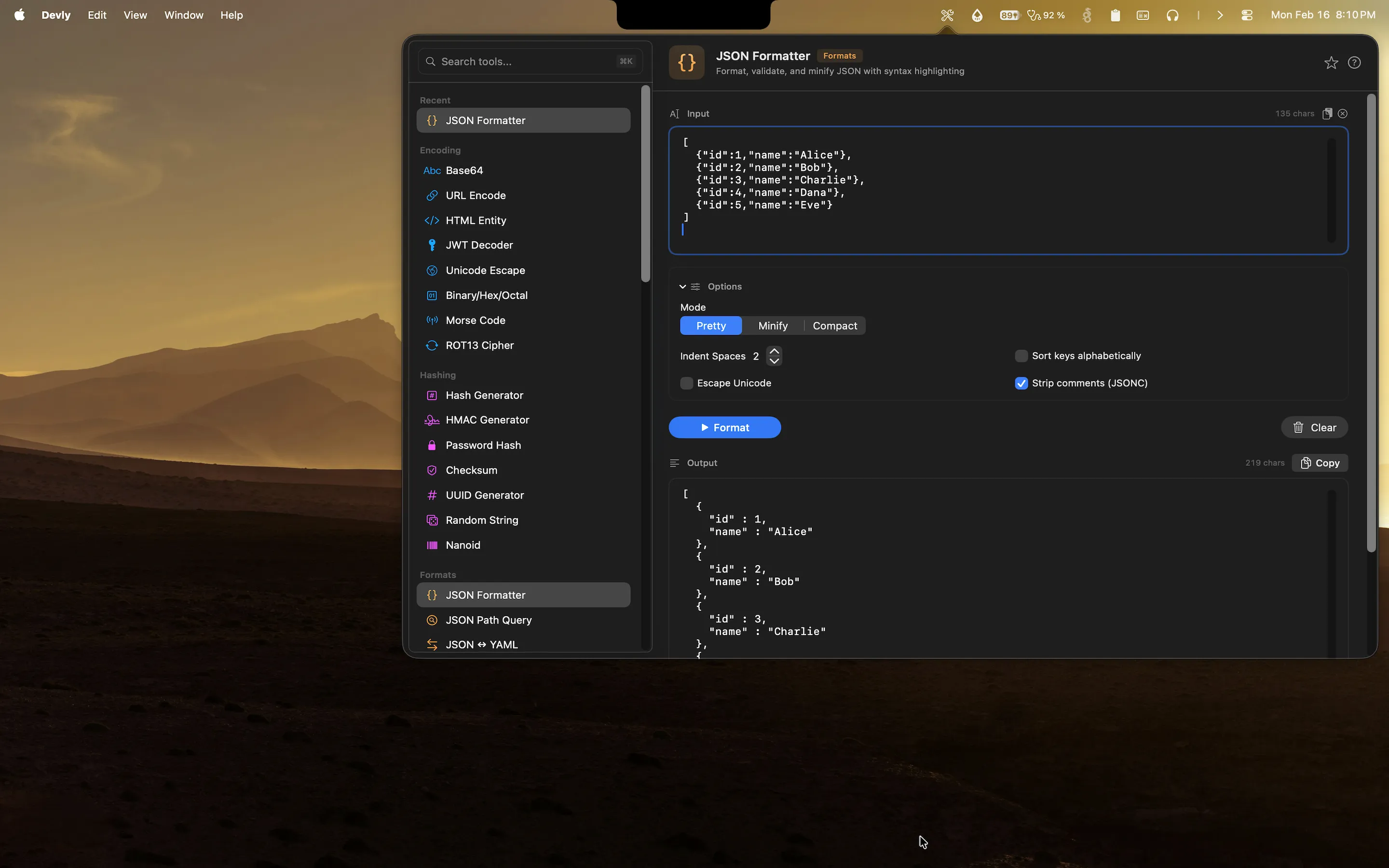
Reading raw SQL is one of those tasks that sounds simple until you are actually doing it at 11pm trying to figure out why a query is slow. Logs often print queries as single-line strings. ORM debugging output is the same. You get a 40-join query that wraps across several lines of log output and you need to understand it fast. The instinct is to paste it into an online formatter, but that adds its own friction: open a tab, navigate to the site, paste, wait for it to load, copy the result, come back to your editor. You need something that is always ready.
That is what the SQL formatter in Devly is for. It lives in your macOS menu bar and formats SQL queries instantly, without a browser, without a network request, and without any of the overhead that comes with online tools.
Where unformatted SQL comes from
SQL ends up unformatted in several ways, and most of them are not your fault. ORMs generate queries programmatically with no interest in human readability. Hibernate, SQLAlchemy, ActiveRecord, Prisma, they all produce syntactically correct SQL that looks like it was typed by someone who hates you personally. Log aggregators strip whitespace to reduce storage costs. Auto-generated migrations from schema diff tools produce dense SQL with no line breaks. Performance monitoring tools like pg_stat_statements or slow query logs export queries in compact form to keep file sizes manageable.
In all of these cases, the SQL is functionally correct but structurally unreadable without formatting. The content is fine. The presentation is the problem.
What a good SQL formatter actually does
Good SQL formatting is not just adding newlines at each keyword. That is what the naive implementations do, and the output is usually not much better than what you started with. Proper SQL formatting involves several things working together: keyword capitalization (SELECT, FROM, WHERE, not select, from, where), consistent indentation for subqueries and CTEs so the nesting is visually obvious, alignment of SELECT columns so you can scan the list vertically, alignment of JOIN conditions so each ON clause lines up clearly, and logical grouping of WHERE clauses so AND and OR relationships are readable at a glance.
A formatter that just breaks at whitespace without understanding SQL structure is not actually helpful for complex queries. The 40-join query from your ORM will still be unreadable, just broken onto more lines.
How Devly formats SQL on Mac
Devly has a SQL formatter built in that understands SQL structure, not just whitespace. Paste a minified or inline query and it formats keywords with consistent casing, indents subqueries to reflect their nesting level, aligns JOIN conditions so the relationships between tables are obvious, and handles CTEs and window functions correctly. The output is readable SQL you can actually analyze. Everything runs natively on your Mac, with no data leaving your machine.
The workflow is: press the keyboard shortcut to open Devly, type "sql" in the search bar, paste your query, and the formatted output appears immediately. Copy it and you are back in your editor. The whole thing takes about five seconds.
Works with multiple SQL dialects
PostgreSQL, MySQL, SQLite, SQL Server. The formatter handles the common SQL dialects developers encounter day to day. Vendor-specific syntax like PostgreSQL's RETURNING clause, MySQL's LIMIT/OFFSET pattern, and SQL Server's TOP keyword all format correctly. Paste whatever you have and get clean output.
Quick iterations without leaving your editor
Because Devly lives in the menu bar, you can paste a query, format it, read it, edit it, re-format it, and copy the result without ever opening a browser. The full workflow stays within the Devly window. When you are debugging a slow query and iterating through different versions to understand the execution plan, that tight loop matters. You are not context-switching to a browser tab between each iteration.
Format SQL instantly on your Mac
Devly's SQL formatter is one of 50+ developer tools in your menu bar. One-time $4.99, no accounts required.
SQL formatting as part of a larger toolkit
The SQL formatter is one of many data format tools in Devly. JSON formatting, YAML formatting, XML formatting, GraphQL, TOML, and SQL are all available from the same keyboard shortcut. If your work touches multiple data layers, which most backend development does, you have a formatter for everything in one place. You are not maintaining a collection of browser bookmarks for different format tools or remembering which website has the best XML formatter this month.
The benefit of having them all together is consistency. The same open-Devly, search, paste, copy workflow works for every format. Once you have the muscle memory for JSON formatting, you already know how to format SQL.
Why developers reach for native tools
An online SQL formatter works when you need it once. You paste your query, get the formatted output, and move on. But if you are reading SQL output daily as part of debugging or query optimization, having to open a browser tab and paste into a website adds up. It is not one big cost. It is a small cost that happens twenty times a day. The friction is invisible until you remove it, and then it is obvious how much time was being wasted.
Devly stays in the background until you need it, then gets out of your way. There is no homepage to load, no cookie banner to dismiss, no page with ads around the formatter. You open it, use it, and close it. That is the whole experience.
For developers who work with databases regularly, whether that is writing migrations, optimizing queries, debugging ORM output, or reviewing schema changes, having a SQL formatter that is always one keystroke away is the kind of small improvement that compounds into real time savings over weeks and months.