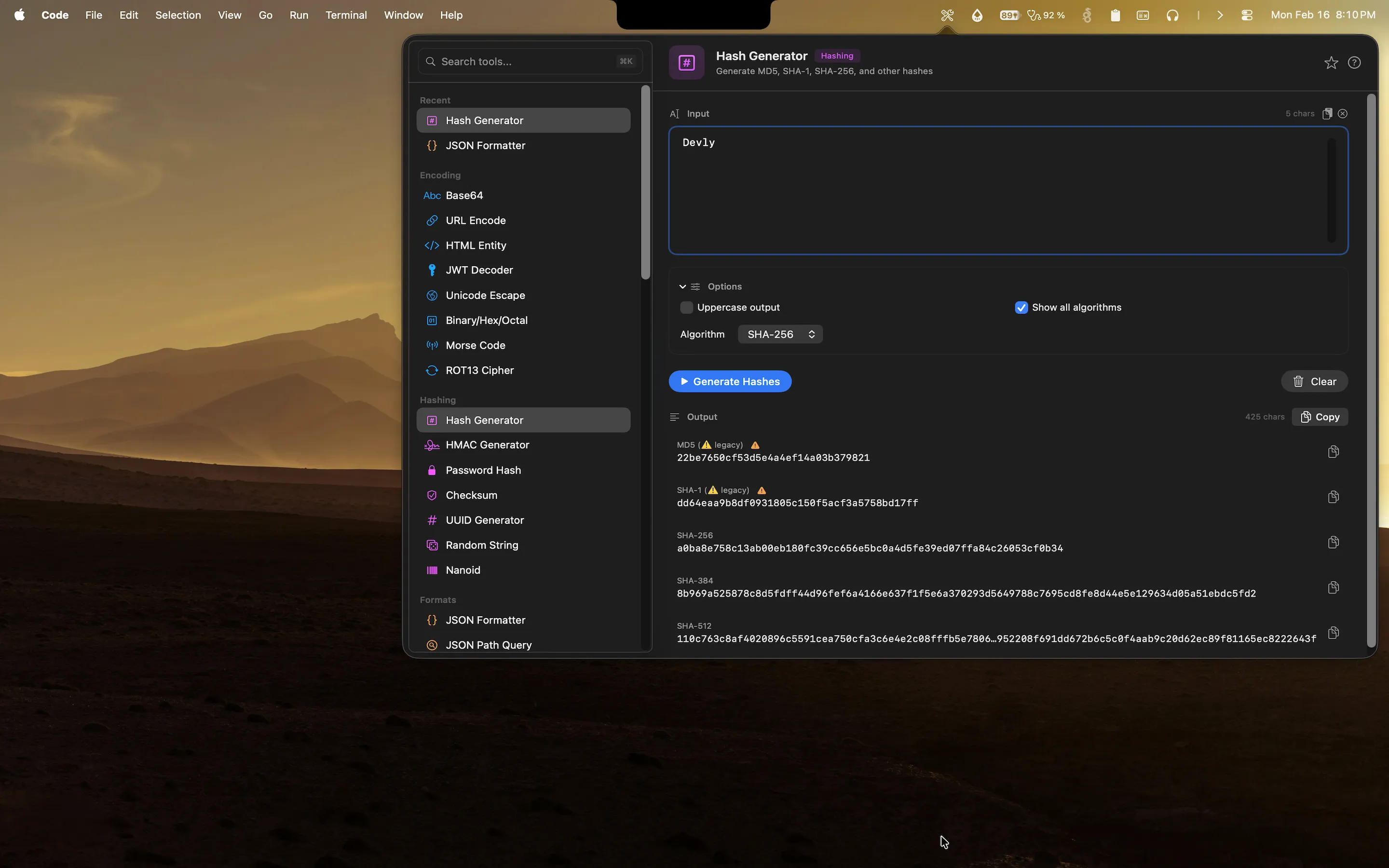
UUIDs are the backbone of distributed systems. Primary keys in databases, request correlation IDs, session tokens, file names for uploads, feature flags, entity identifiers in microservices. You need a UUID constantly. The question is how you generate one. Some developers keep a browser tab open with an online UUID generator. Some copy an old UUID from a previous record and just change a few characters, which is wrong in several ways. Neither approach is good, and both are slower than they need to be.
The UUID generator in Devly is always one keystroke away. Open the menu bar app, search "uuid", choose your version, generate, copy. Done in about three seconds, from anywhere on your Mac, with no browser required.
When you actually need UUID generation
The list is longer than most developers initially think:
- Database primary keys if you use UUIDs instead of sequential integers. This is common in distributed systems where you cannot rely on a single auto-increment counter.
- Request correlation IDs for logging and distributed tracing. Each incoming request gets a UUID that propagates through every downstream service call.
- Idempotency keys for API requests where you want to guarantee that retrying a request does not create duplicate side effects.
- Test data identifiers when seeding a database with realistic-looking records for integration tests.
- File upload names to avoid collisions in object storage. Uploading a file named
photo.jpgis a recipe for overwriting something important. - Entity IDs in event-sourced systems where each aggregate root needs a stable, globally unique identifier from the moment it is created.
Anywhere you need a globally unique identifier without coordinating with a central authority, UUIDs are the answer.
UUID versions and when they matter
UUID v4 is random and what most developers reach for by default. It is 122 bits of randomness with essentially zero collision probability in practice. UUID v1 includes a timestamp and MAC address component, useful for time-ordered data, though the MAC address leakage made it controversial. UUID v5 is deterministic: the same namespace and name always produce the same UUID. This is useful for idempotent operations where you need to derive an identifier from known inputs.
The newer versions are more interesting for modern use cases. UUID v6 reorganizes the v1 timestamp so that time-ordered UUIDs sort correctly. UUID v7 uses a Unix timestamp prefix and is the current recommendation for database primary keys because it provides time ordering without the MAC address exposure of v1. UUID v8 is a custom format that gives you the UUID structure with your own internal encoding. Devly supports all of these versions.
How Devly generates UUIDs on Mac
Devly has a UUID generator in the menu bar that produces UUIDs instantly. Choose the version, press the button, and the UUID is in your clipboard. No page load, no browser tab, no copying from a results table on a website with three ads and a newsletter popup.
The generator uses your Mac's system cryptographically secure random number generator for v4. For v7, it uses the current system time for the timestamp component. Everything runs locally. Nothing is sent to any server. Your UUIDs are generated on your machine and stay on your machine.
Batch generation
Sometimes you need more than one UUID. Seeding a database with test data for a hundred records. Generating a set of identifiers for an import script. Preparing fixture data for integration tests. Devly's batch mode generates multiple UUIDs at once. Specify a count and get a list you can copy immediately. The output is one UUID per line, ready to paste into a SQL INSERT, a JSON array, or a migration file.
Nano ID generation
If you need shorter unique IDs, Devly also has a Nano ID generator. Nano IDs are URL-safe, compact, and cryptographically random. A default Nano ID is 21 characters compared to the 36-character UUID, and uses an alphabet that does not include characters that are ambiguous in URLs. Useful for short link IDs, URL slugs, filenames, and any place where a standard UUID feels unnecessarily long for the context.
UUID generation in your Mac menu bar
All UUID versions, batch generation, and Nano IDs. Part of 50+ developer tools in Devly. One-time $4.99.
UUID generation is part of the hashing toolkit
In Devly, UUID generation sits alongside the hash generator, HMAC generator, PBKDF2 password hash, and random string generator. They are all in the same Hashing and Security category, which makes sense because they all involve generating cryptographically sound identifiers or derived values. The mental model is: if you are generating something that needs to be unique, random, or cryptographically derived, it lives in this section of Devly.
Having related tools grouped together matters when you are in the middle of a task. If you are writing auth code and you need a UUID for a session identifier and then immediately need to hash a password for a test fixture, both tools are in the same place. You are not jumping between different websites.
Why local UUID generation is better than online tools
Online UUID generators are convenient but they have unnecessary overhead. A round trip to a website, a page load, the visual noise of ads and SEO content around a simple text field. You click generate, wait for the page, click the copy button, switch back to your editor. It works, but it is slower than it needs to be.
Devly is instant. Press Option+Command+D from anywhere on your Mac, type "uuid" in the search bar, select the version, generate, copy, done. The whole thing takes about three seconds. If you are generating UUIDs five times a day, the time savings are real over the course of a week. More importantly, the mental friction of reaching for an online tool is gone. You just generate the UUID and keep working.
There is also a privacy consideration for certain workflows. If you are generating UUIDs that will eventually be associated with sensitive records, you probably do not want those generation events logged on a third-party server. With Devly, generation is local. There is nothing to log because nothing leaves your machine.