YAML is the configuration language of cloud-native development. Kubernetes manifests, GitHub Actions workflows, Docker Compose files, Helm charts, Ansible playbooks, ArgoCD configs: if you work with any of these, you are writing YAML constantly. And YAML is unforgiving in ways that other formats are not. A single wrong indent causes a silent failure or a cryptic parse error. One tab instead of spaces breaks everything. You can stare at a Kubernetes manifest for ten minutes trying to find an indentation error that a formatter would surface in under a second.
A reliable YAML formatter for Mac is not a nice-to-have in 2026. It is a daily productivity tool.
Why YAML errors are so frustrating
YAML's indentation sensitivity is its most notorious property. Because the document structure is defined entirely by whitespace rather than delimiters like braces or angle brackets, a misaligned key can change the meaning of the document without making it syntactically invalid. A deployment spec that should apply to one namespace gets applied to another because a nested block was indented one level too far. A GitHub Actions step runs with the wrong environment because its env: key was at the wrong level.
These are not hypothetical bugs. They are the kind of bugs that take longer to find than they should, because the error manifests at runtime rather than at parse time.
What developers need from a YAML tool
The three core needs are: format YAML to consistent indentation so the structure is visually obvious, validate that the syntax is correct so you catch errors before deployment, and convert between YAML and JSON when a tool or API expects a different format. Having all three in a single tool you can summon instantly is the right setup.
How Devly handles YAML on Mac
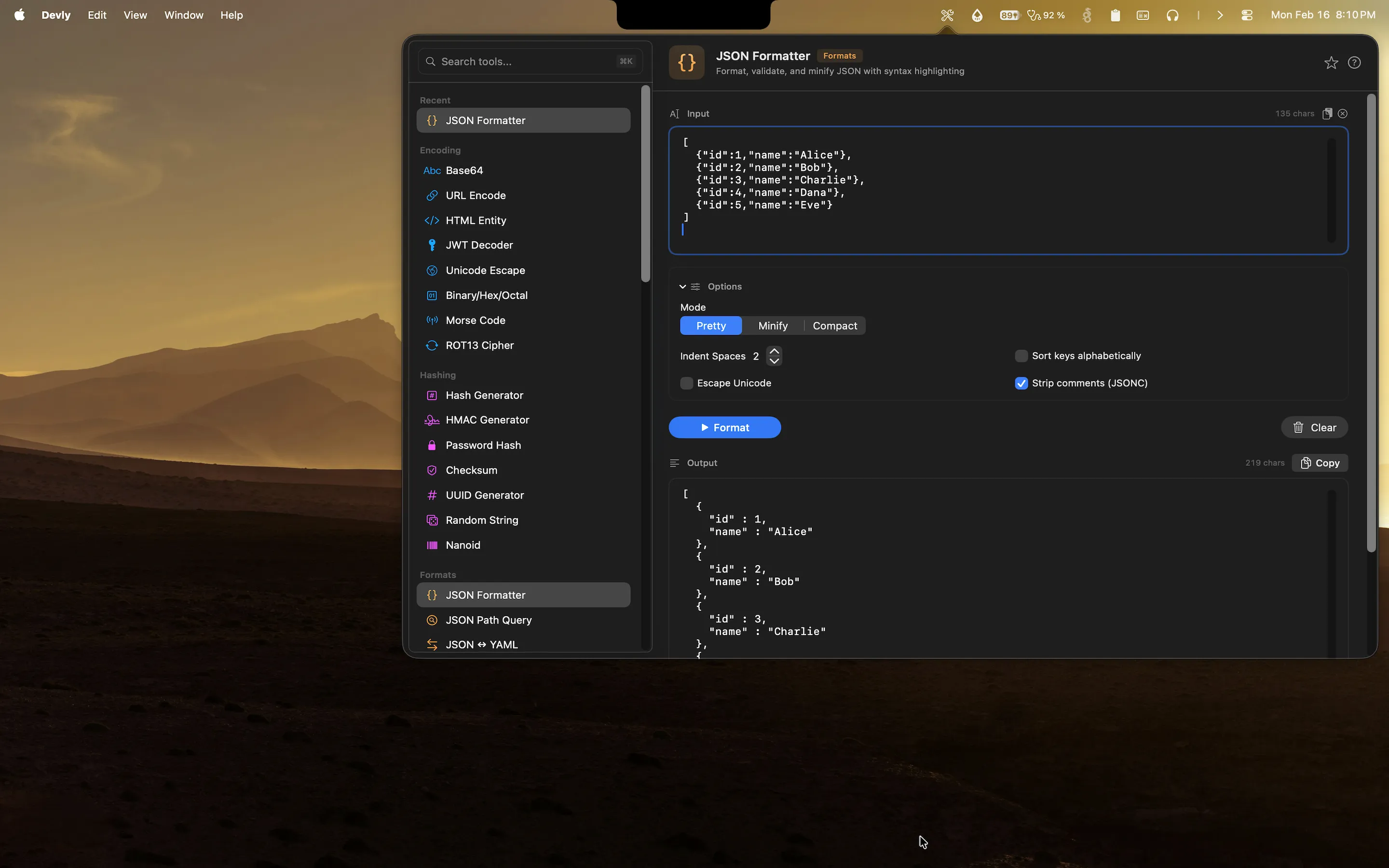
Devly's YAML formatter normalizes your YAML to consistent two-space indentation, highlights syntax errors, and shows you the parsed structure. Paste in a messy CI config or a multi-document Kubernetes manifest and it comes out clean. Press Option+Command+D to open Devly, search for "YAML formatter," paste your input, and process with Command+Return. The output is ready to copy with Command+Shift+C. Nothing leaves your Mac.
JSON and YAML conversion
Devly handles bidirectional JSON/YAML conversion. If you have a JSON config that needs to be in YAML (or a YAML config you want to validate as JSON), paste it in and switch the converter direction. This is useful when working between infrastructure tools that expect YAML and application code that works with JSON, or when converting between configuration formats during a migration.
TOML support too
If you work with Rust projects using Cargo.toml, Hugo static sites, or other tools that use TOML, Devly has a TOML parser as well. All the structured config formats in one place, all accessible from the same keyboard-driven interface.
Format and validate YAML on your Mac, offline
Kubernetes, GitHub Actions, Docker Compose. Format all your configs natively. One-time $4.99.
Why YAML tooling matters for backend developers
If you are doing DevOps, platform engineering, SRE work, or backend development that touches infrastructure, you are in YAML daily. The volume of YAML configuration in a typical microservices environment is substantial: dozens of Kubernetes resources, multiple CI/CD pipeline definitions, Helm values files, Terraform provider configs, and environment-specific overrides. Each of those files can have subtle formatting issues that cause confusing failures.
Having a formatter that lives in the menu bar means you can validate a config in two seconds instead of pushing a change and watching a deployment fail. And because Devly works offline, you can validate configs in environments without internet access, on a laptop during travel, or inside a VPN-only corporate network.
All config format tools in one place
YAML sits alongside JSON, XML, SQL, GraphQL, and TOML formatters in Devly. Search with Command+K, format with Command+Return, copy with Command+Shift+C. The interface is identical for all of them, so you build muscle memory once and it applies everywhere.